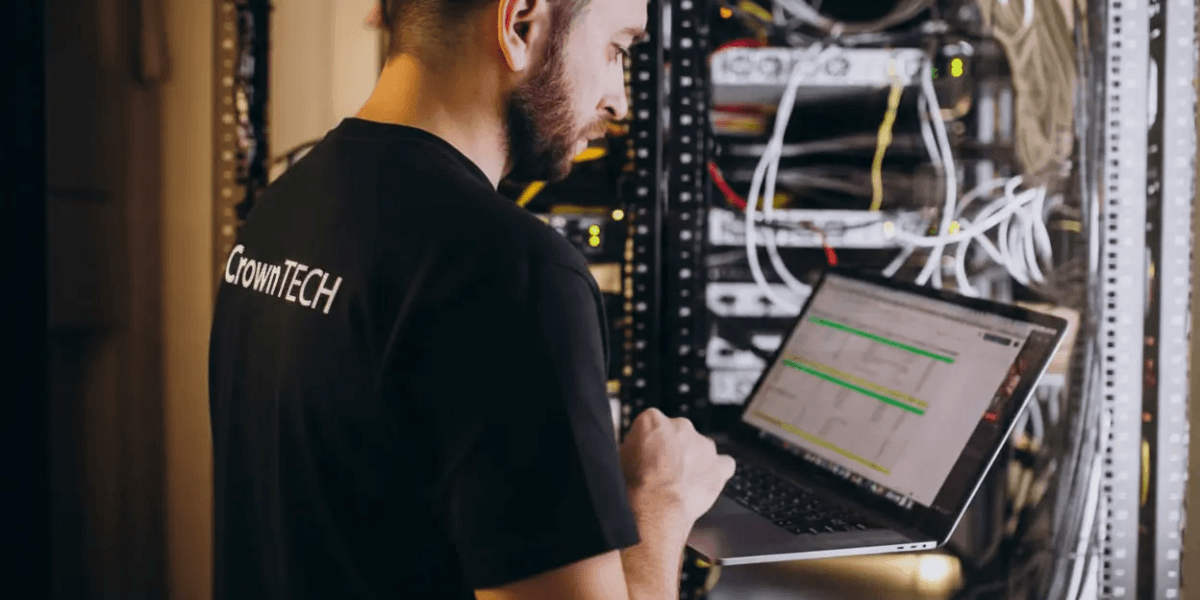
Desktop Relocation Relies on Infrastructure, Not the Furniture-Style Setup
A common mistake during office relocations is treating desktop relocation as the whole job: relocate the workstation, plug it in, and call it done. Desktops are actually the last visible piece of a larger IT environment.
If the network isn’t ready, a perfectly placed desktop still can’t do anything useful. People can’t sign in, reach internal systems, or connect to the applications they need, even if the desk looks spotless and organized.
That’s why so many relocations break down at the desktop stage. The dependencies underneath the workstation get missed, or they get handled in the wrong order.
What “Network Readiness” Actually Covers
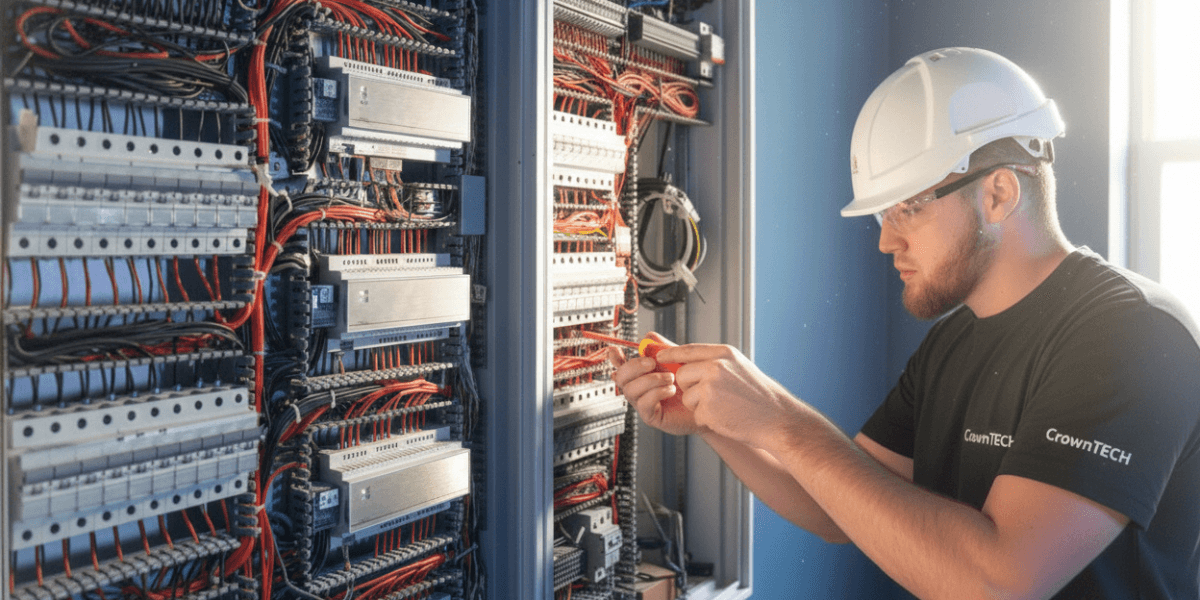
Network readiness isn’t the same as “we ran some cables.” A network is ready when it’s been built, configured, and proven to work for real users. That typically includes:
Active data ports – Live ports at every workstation location
Configured switches – Correct switch configuration, VLANs, and routing
Verified internet – Confirmed internet and WAN connectivity
Wireless coverage – Reliable Wi‑Fi coverage (when Wi‑Fi is part of the environment)
Security controls – Authentication and security controls are working as intended.
Desktop relocation belongs after these pieces have been tested and validated. When desktops go in before readiness is confirmed, relocation day turns into a scramble.
Why Desktop Relocation Breaks Without Network Readiness
When readiness is skipped or assumed, the same issues show up again and again.
Desktops Land Before Ports Go Live
This is one of the most predictable failures:
- Desktops get installed
- Employees arrive
- Ports are inactive or configured incorrectly.
The result is immediate downtime, and IT is forced into reactive troubleshooting under a clock.
VLAN and Segmentation Problems
Even if ports are active, desktops can still fail when:
- VLAN assignments are wrong.
- Access to internal resources is missing.
- Authentication paths aren’t working end-to-end.
From an employee’s perspective, the desktop is “broken.” From IT’s perspective, the fix can take hours, especially when the team is juggling dozens of similar issues at once.
Wi‑Fi Isn’t Validated in Real Conditions
Many modern desktop setups depend on wireless in some way, such as:
- Wireless peripherals
- Mixed wired/wireless workflows
- Hybrid configurations across teams and rooms
If Wi‑Fi coverage hasn’t been tested properly, users run into intermittent connectivity, dropped sessions, and inconsistent performance. That kind of unreliability drains productivity quickly, even when everything looks fine on paper.
Why Network Readiness Needs to Be Planned Before the Desktop Relocation
Desktop relocation depends on sequencing. When the relocation is planned with the right order of operations, the project follows a straightforward path:
Installation
Step 01Network and cabling work gets completed.
Validation
Step 02Infrastructure is tested and confirmed.
Execution
Step 03Desktop relocation happens afterward.
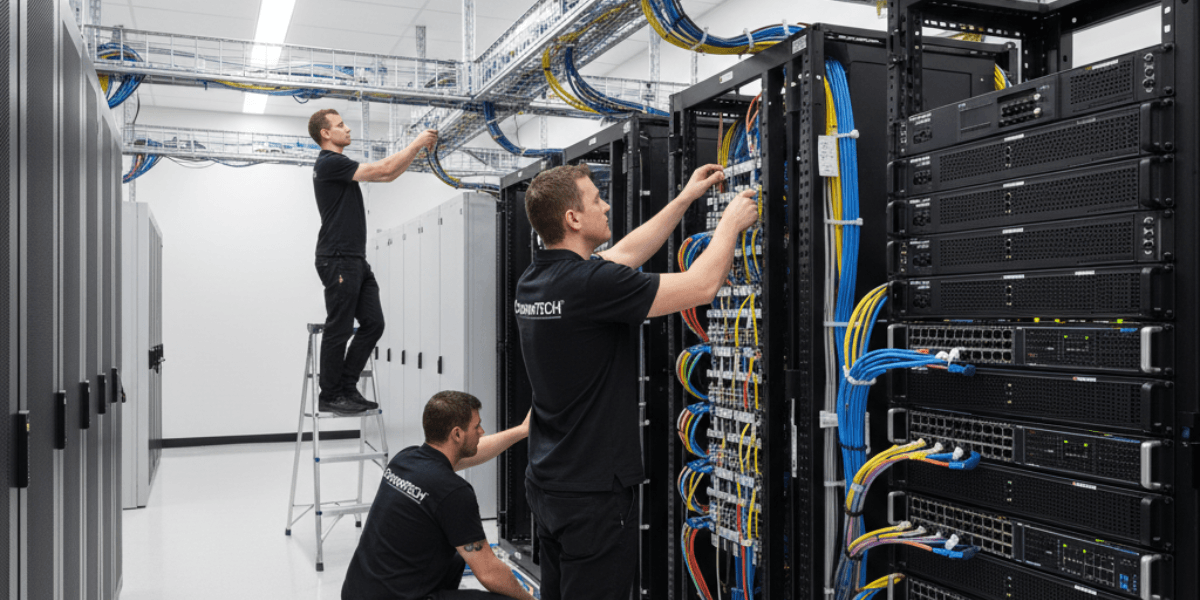
This is also why experienced providers treat desktop relocation and infrastructure as one coordinated effort. Desktop work ties directly to network infrastructure readiness rather than being handled as a separate lane.
Structured Cabling: The Quiet Failure Point
Cabling rarely gets attention until something goes wrong. In desktop relocation projects, common cabling problems include:
Capacity
Not enough ports for workstation density
Organization
Poor labeling that slows down troubleshooting
Standard
Older cabling that can’t support current requirements
Many relocations fail because desktops are relocated into spaces that were never built for the way the business operates now. That’s why readiness planning often includes structured cabling installation as part of the scope.
Desktop Relocation Also Depends on Servers and Core Services
Desktop connectivity isn’t only about the wall port. Users also rely on backend services. If servers, storage, or core systems aren’t available and stable:
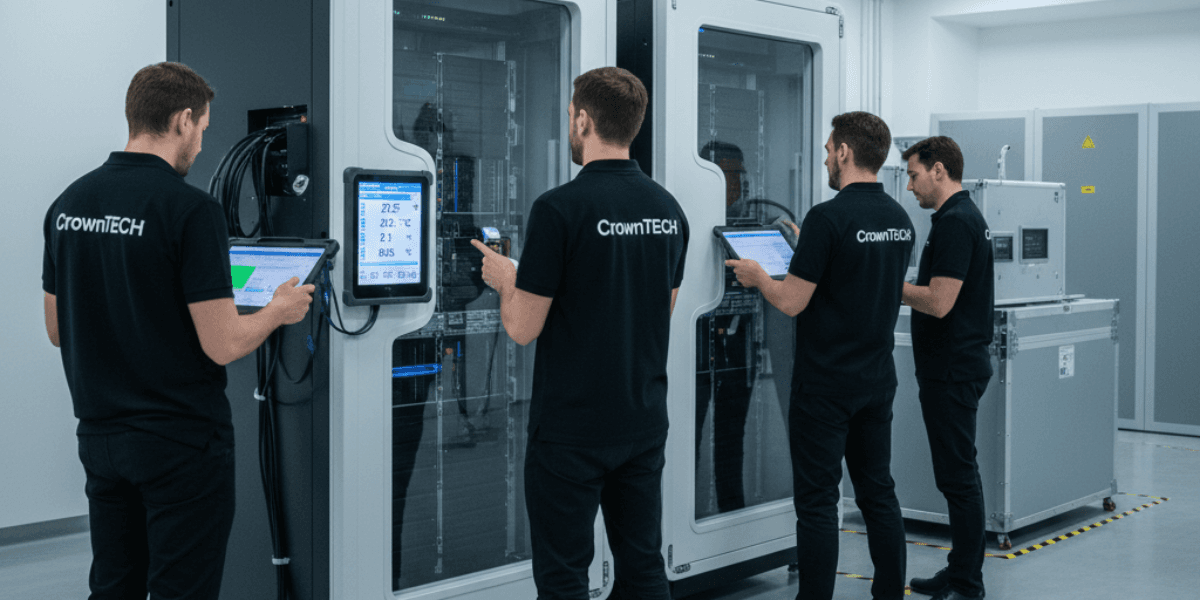
For on‑prem and hybrid environments, desktop relocation needs to line up with server migration and relocation so the services employees depend on are available the moment they log in.
Why General Movers Can’t Deliver Network Readiness
General movers
Movers can handle physical transport, but they don’t validate the technical layer. That includes things like
- Port configuration checks
- VLAN assignment verification
- Authentication path testing
- Infrastructure sequencing across teams and vendors
The hidden liability
“When desktops are relocated without IT oversight, relocation day becomes a live troubleshooting event. Businesses pay for it through lost time, delayed teams, and frustration that lingers well after the boxes are gone.”
How CrownTECH® Aligns Desktop Relocation With Network Readiness
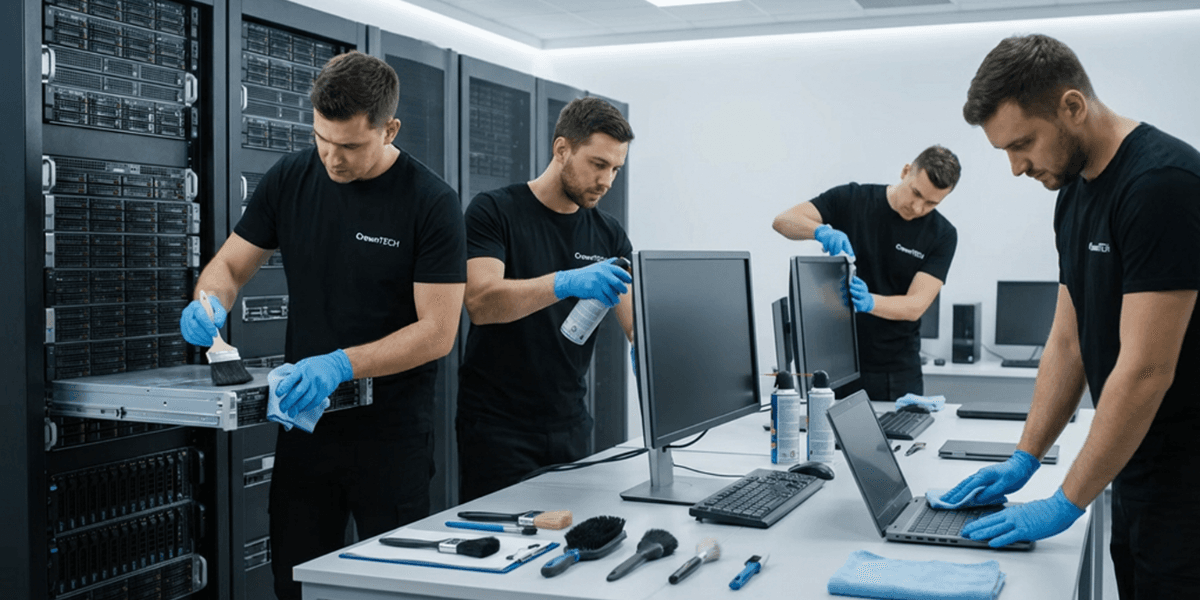
CrownTECH® treats desktop relocation as a dependent phase inside a broader IT readiness plan. That approach typically includes:
Pre-move infrastructure audits
Coordination with network and cabling teams
Connectivity validation before desktops are deployed
Sequenced reinstallation so go-lives don’t happen too early
The goal is simple: desktops get deployed into an environment that’s ready to support them from the first login.
The Business Impact of Getting Readiness Right
When desktop relocation follows a validated network:
Productive immediately
Employees are productive right away.
Fewer tickets
Support tickets drop sharply.
Control
IT stays in control instead of chasing fires.
Success
The move feels smooth and successful to the business.
When readiness is treated as optional, small gaps in infrastructure can stall entire departments.
Conclusion
Desktop relocation isn’t a standalone task. It’s the final step in a chain of dependencies that needs planning, testing, and the right order of execution.
When the network isn’t ready, desktop relocation fails. The workstations might be in the right places, but the business can’t operate.
If you’re planning an office relocation, network readiness is what separates a clean Monday morning start from days of disruption, escalations, and lost productivity.
Align Desktop Relocation With Network Readiness
Talk with a CrownTECH® IT relocation specialist about sequencing your move the right way, validating the network layer, and reducing downtime.
Call Now