.png&w=3840&q=75)
The Importance of Hiring an IT Relocation Specialist
Relocating your workplace is already stressful. Relocating your entire technology environment, including networks, server relocation requirements, security controls, phones, and every workstation (desktop relocation included), without disrupting operations is a different level of complexity.
For this reason, successful companies view IT relocation as a technological project rather than a one-day chore. An IT relocation specialist brings the planning, sequencing, and verification required to protect uptime, data, and business continuity before, during, and after the relocation.
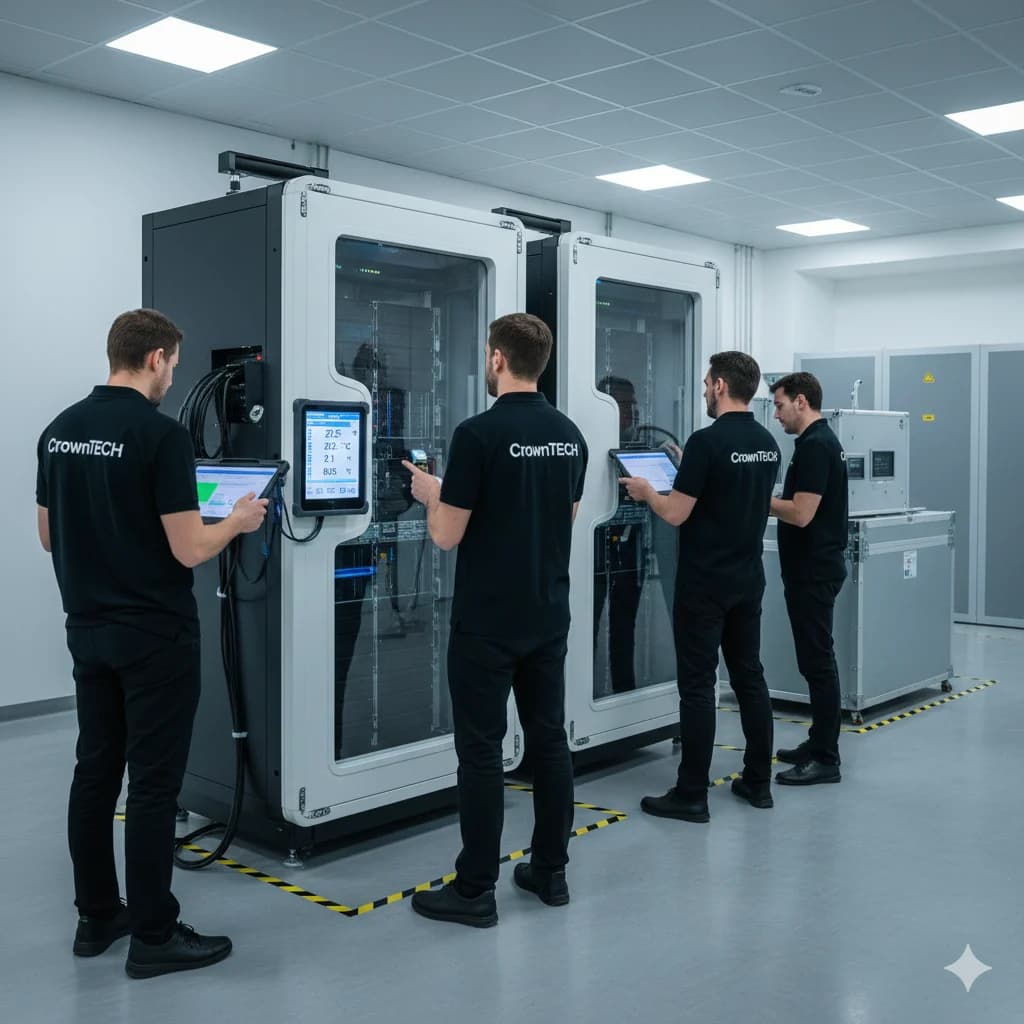
What an IT Relocation Expert Brings That Internal Teams Often Can’t
Your internal IT team is great at day-to-day support and long-term roadmap initiatives. But relocations demand a short-window, high-risk execution style that’s hard to run alongside normal operations.
An IT relocation specialist typically adds:
End-to-end project control (timelines, dependencies, and go-live sequencing)
System dependency mapping (what must come online first and what breaks if it doesn’t)
Relocation-day execution discipline (shutdown, transport coordination, reactivation, & escalation)
Security and data protection oversight (throughout the transition)
Post-relocation validation (so employees aren’t discovering issues for weeks)
When relocation is managed like a structured IT initiative, you reduce avoidable surprises and return to full productivity much faster.
What Is IT Relocation?
IT relocation is the planning, movement, and re-deployment of an organization’s technology systems during a site relocation, expansion, or consolidation.
A complete IT relocation commonly includes:
Desktops, laptops, monitors, docks, printers, peripherals, and specialized equipment.
Switches, firewalls, wireless access points, structured cabling, patch panels, racks, and ISP handoff coordination.
On-prem servers, storage, VoIP/phone systems, conference rooms, and any hybrid infrastructure.
Physical access controls, network segmentation, MFA policies, logging, encryption, and chain-of-custody procedures.
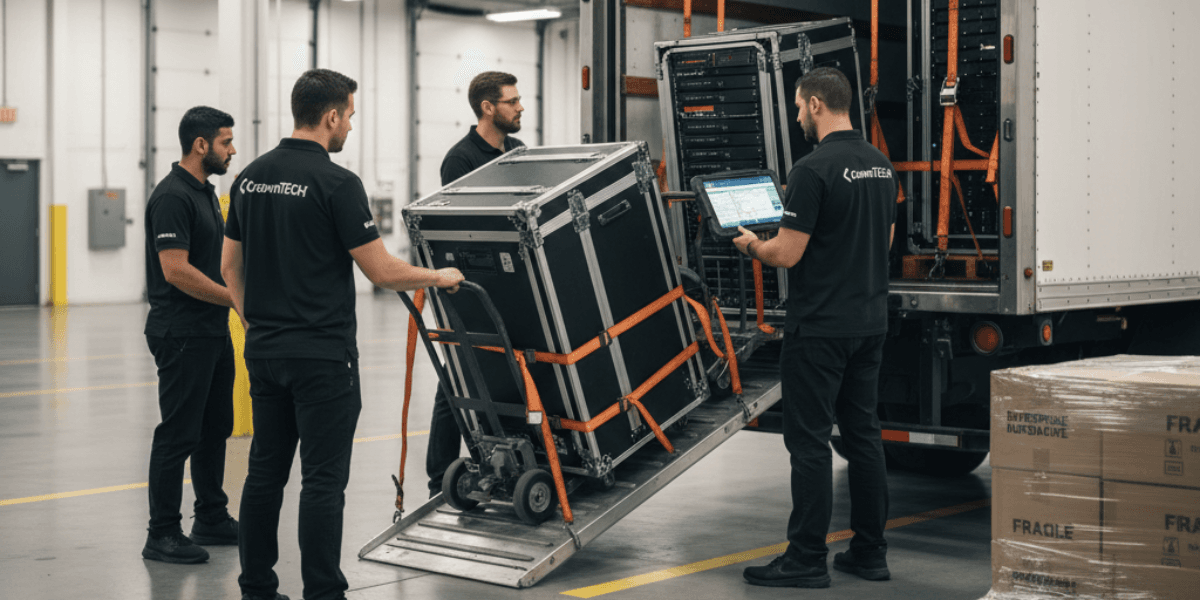
Unlike general relocation logistics, IT relocation is all about dependencies, sequencing, testing, and risk management, because business operations rely on systems working in the right order.
The Real Cost of Downtime During an IT Relocation
Downtime is usually the highest hidden cost of relocation, and it’s rarely limited to “the internet is down.”
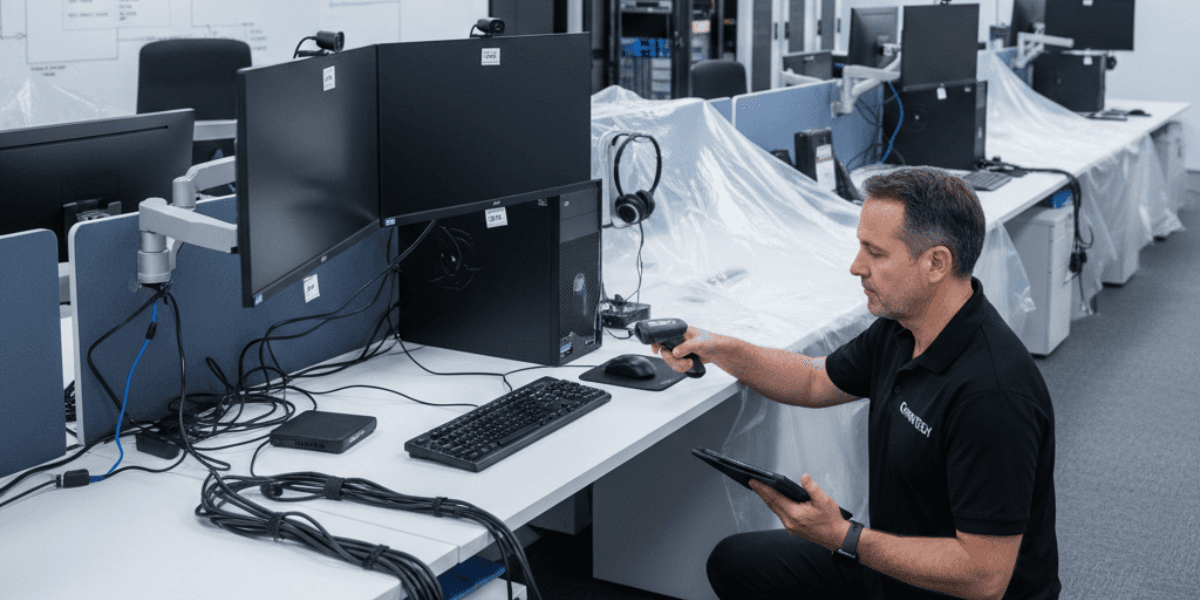
When systems aren’t ready, organizations lose time to:
Whether you’re an enterprise or an SMB, unexpected outages quickly turn a “simple relocation” into a measurable financial hit. The role of an IT relocation service provider is to shorten downtime windows through preparation, staging, and verification, not wishful thinking.
Why IT Relocation Fails Without Proper Planning
IT relocations can fail for the same reasons many high-pressure IT projects face problems: teams often underestimate how complex dependencies are and overestimate their ability to quickly fix things under tight schedules.
Common reasons for failure include:
Devices may arrive before the network is ready, or phones before the internet service provider (ISP) is activated.
Hardware might be missing or arrive without required cables or power supplies.
Areas like conference rooms, printers, VLANs, VPNs, and applications are not properly checked.
There may be misalignment between the ISP, cabling, security, and moving teams.
Equipment handling, access changes, and misconfigured systems can create vulnerabilities.
Trying to treat an IT relocation like “pack, move, plug in” can lead to long periods of downtime and unresolved issues down the line.
Hidden Costs of IT Relocation That Businesses Often Miss
Even if everything seems fine on relocation day, the true impact of the disruption can show up later. Here are the most common hidden costs that can arise:
Systems that start up but don't function properly
Devices may boot up but can't authenticate, print, access shared drives, or connect to cloud services due to setup mistakes.
Delayed network readiness
If cabling, switches, firewalls, or Wi-Fi coverage are not fully set up, users might experience slow connections, areas with no signal, or unreliable internet.
Lack of asset visibility
If devices aren’t properly tracked or labeled, organizations could lose equipment or discover that essential parts like power adapters or mounts are missing, leading to extra costs and delays.
Unchecked phone, email, and connectivity
Merely saying “phones work” often means only a dial tone is present until all call routing, extensions, voicemail, and conferencing are tested in actual use.

Business Continuity Depends on an IT-Focused Relocation
Relocation puts your disaster recovery and business continuity plans to the test. If these are outdated or never tested, the relocation can become a high-stakes gamble.
Experienced IT relocation teams minimize risk by following a structured process:
Conducting a detailed audit and mapping of the current environment (inventory and dependencies)
Confirming that the new site is fully prepared (power, racks, cabling, ISP, and security measures)
Pre-testing key systems where possible (using staging environments, configurations, and access controls)
Implementing phased rollouts instead of tackling everything at once
Verifying that essential business functions are working after relocation, not just that the systems are on
This approach ensures that your relocation goes smoothly and doesn’t turn the first week into a recovery effort.
IT Relocation Is Also an Opportunity for Modernization
An effective IT relocation isn’t just about avoiding downtime; it can also be a chance to upgrade your systems strategically.
With the right plan, organizations often use relocation as a way to:
When done correctly, relocation becomes a fresh start that makes the IT environment more stable and easier to manage.
Why IT Relocation Is More Complex Than It Appears
Technology environments are highly interconnected. Missing one part can disrupt everything that depends on it.Everything in a technology environment relies on connections. If one part is missing or misaligned, it can cause a ripple effect that affects everything else. IT relocation can be especially challenging because:
Equipment requires careful handling and clear accountability.
Servers, switches, phones, and other devices are all dependent on each other.
Connectivity must be checked from the beginning to the end (from the ISP through the firewall, switches, Wi-Fi, and finally the applications).
Security and compliance must be maintained throughout the entire transition process.
General movers can transport hardware, but an IT relocation specialist ensures that your systems come back online correctly, securely, and in the right order, especially for high-risk tasks like moving servers or large numbers of workstations.
How CrownTECH® Delivers Structured IT Relocation
CrownTECH® approaches relocation as a controlled IT project, built around predictability, documentation, and validation. Our relocation methodology includes:
Pre-move assessment & inventory
We document devices, configurations, labeling, and system dependencies to reduce surprises and prevent asset loss across endpoints, desktop relocation, and infrastructure.
Infrastructure readiness planning
We confirm cabling, power, racks, ISP activation, switching/firewall readiness, and security requirements before relocation day.
Coordinated execution
We run a sequenced shutdown, transport plan, and reactivation timeline so critical services return in the right order, including server relocation where applicable.
Post-move validation
We perform functional testing (connectivity, security, access, voice, and business workflows) to confirm the environment is truly operational, not “mostly working.” The goal: minimal downtime, lower risk, and faster return to productivity.
Conclusion: IT Relocation Requires IT Expertise
A relocation without IT-first planning is a risk most organizations can’t afford. The difference between a smooth transition and weeks of disruption is simple: treat relocation like the strategic technology project it is.
If you’re preparing for a relocation, working with an experienced IT relocation specialist helps ensure your systems are protected, validated, and ready on day one, covering everything from desktop relocation to server relocation and network readiness. So your business doesn’t miss a beat.
Ready to Plan Your IT Relocation?
CrownTECH® can manage your IT relocation end-to-end with structured planning, risk mitigation, and a focus on business continuity.
Call Now