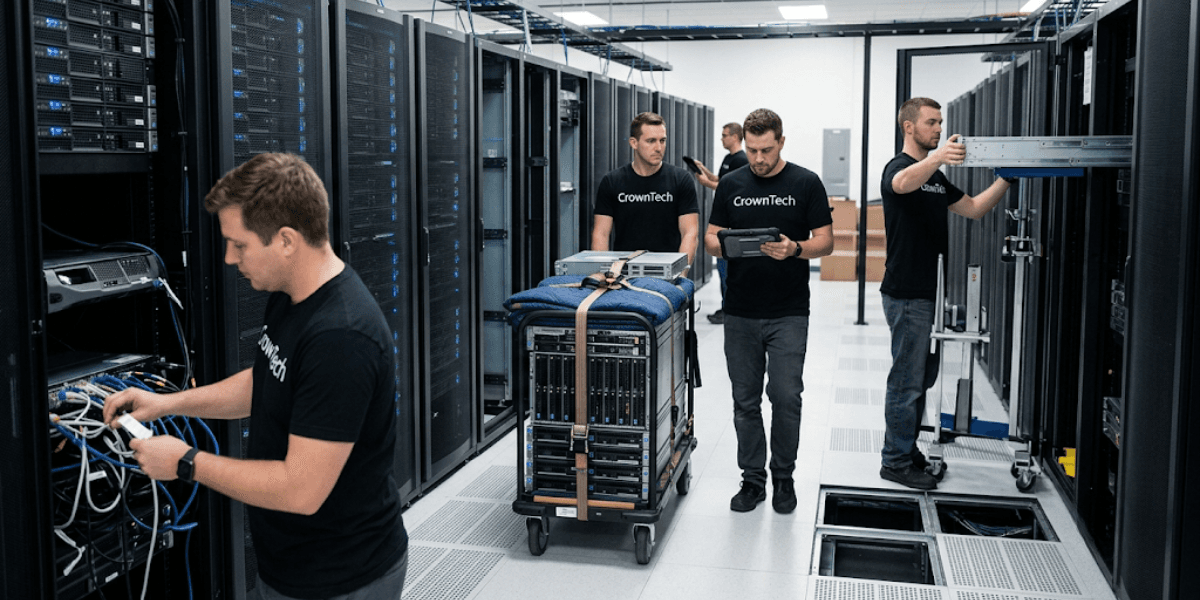
Data centre relocation is one of the most critical operations in a business's IT environment. An hour of downtime can result in missed revenue of hundreds of dollars, missed SLAs, and lost customer trust for enterprises, and that's without considering the potential risk of permanent data loss or compliance issues.
The challenge is real: transitioning a complex, interconnected environment of servers, SAN arrays, networking switches, and low-voltage cabling is not standard moving logistics. It demands surgical planning, extensive knowledge of infrastructure and the necessary execution at each stage of the process, from the initial audit to the final system validation at the destination site.
Understanding data centre migration risks before they materialize is the first step. The second is to work with an established data centre relocation company that can make the move without any surprises for all servers and server rooms or for an entire enterprise facility.
Here is a quick summary of the top risks covered in this blog:
- Unplanned and extended downtime.
- Physical hardware damage and environmental hazards.
- Data loss and security gaps.
- Cable chaos and documentation gaps.
- Post-migration performance degradation.
Top 5 Risks and How to Avoid Them
Risk 1: Unplanned and Extended Downtime
➡ Why It Happens
Downtime during a data centre relocation rarely comes from a single point of failure; it compounds. The dependency mapping is incomplete, pre-migration testing is not done, and technical issues are not anticipated during the cutover phase. When teams rush the transition, they discover in real time which applications relied on which servers, and that discovery comes at the worst possible moment.
➡ The Impact
Extended downtime translates directly into lost revenue, disrupts customer-facing operations, and impacts SLAs. For regulated industries, it can also trigger compliance reviews and contractual penalties.
How to Avoid It
- Phased Migration: Avoid the "big bang" approach where everything moves simultaneously. Rather, configure application dependency mapping and then move workloads in stages. Begin with non-critical systems and stability tests, and then move on to mission-critical systems.
- Off-Hours Execution: Physical moves to be scheduled during off-hours. Leveraging weekend support from a specialized provider like CrownTECH® means your team experiences zero disruption to day-to-day operations while the migration happens overnight or across a weekend.
- Rollback Plan: A complete rollback plan must be prepared before a single cable is pulled. If a critical error surfaces during cutover, the team needs a clear, tested path back to the original environment immediately. This step should be a non-negotiable item on every data centre relocation checklist.
Risk 2: Physical Hardware Damage & Environmental Hazards
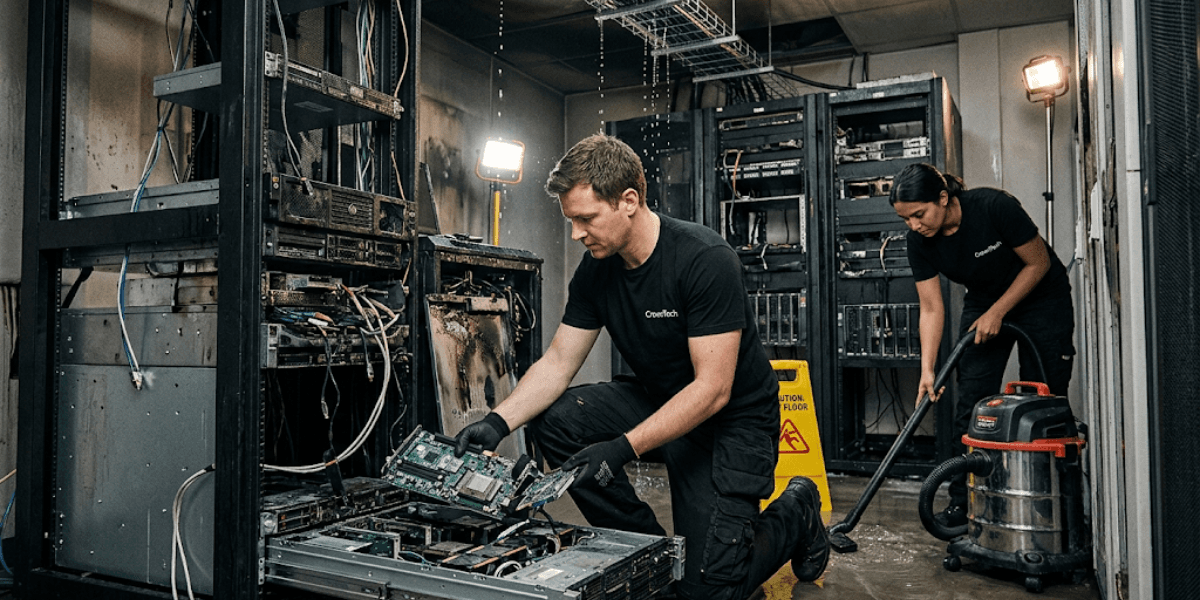
➡ Why It Happens
Enterprise servers, fibre channel switches, and SAN arrays are all precision devices. They are acutely sensitive to static discharge, temperature fluctuations, and physical vibration during transport. All three hazards are introduced by standard commercial moving trucks, with no climate control or air-ride suspension.
➡ The Impact
Physical damage in transit may result in expensive hardware replacement cycles, loss of warranty protection, and delay the new site from going operational by days or weeks. Often, damage is not immediately visible, only surfacing as intermittent failures weeks after the move.
How to Avoid It
- Specialized Logistics: Don't use a general-purpose commercial moving company for enterprise IT hardware. A professional server relocation company makes use of specialized vehicles referred to as "climate-controlled and air-ride," which are specifically made for delicate electronics. This is essential, not an 'extra.'
- Pre-Migration IT Audits: Perform a thorough hardware mapping and audit before any racks are turned off. Be aware of each asset's condition, serial number, and configuration before the move. This audit is your comparison document for your data centre relocation checklist and is the standard for ensuring that all of your data centre equipment is delivered in good order.
- Antistatic Packaging: Every server blade, drive array, and networking card must be packaged individually in antistatic wrap and placed in custom crates with foam liners. This is a bare necessity for equipment that costs hundreds of thousands of dollars.
Risk 3: Data Loss and Security Gaps
➡ Why It Happens
Among the most serious data centre migration risks, data loss clusters around three moments: when storage tiers are unmounted, during physical transit, and at the moment of recommissioning at the destination site. Missing sign-off, unsecured transit containers, and incomplete backup verification are dangerous exposures in the chain of custody.
➡ The Impact
The consequences range from compliance penalties under GDPR, HIPAA, and PCI-DSS to permanent data loss and active security breaches enabled by mismatched network security configurations between the old and new sites.
How to Avoid It
- The 3-2-1 Backup Rule: Before teardown begins, all critical data must be backed up to three separate locations, at a minimum two on-site media types and one off-site cloud repository. Most importantly, all backups should be checked and tested before any pulling.
- Chain of Custody Tracking: Ensure that transport vehicles have GPS and transport containers are sealed, plus sign-off procedures are followed at each change of custody during transit. All devices that are removed from one facility should be documented when they are received at the next facility.
- Cybersecurity Alignment: The network architecture at the destination site must match or exceed the security posture of the original environment from the moment systems go live. There is no acceptable window of operation that does not meet or exceed the level of security the new site needs in relation to the level of security that existed before the opening.
We integrate cybersecurity implementation and network architecture design directly into every data centre relocation engagement, not as an afterthought, but as a core deliverable.
Risk 4: Cable Chaos and Documentation Gaps
➡ Why It Happens
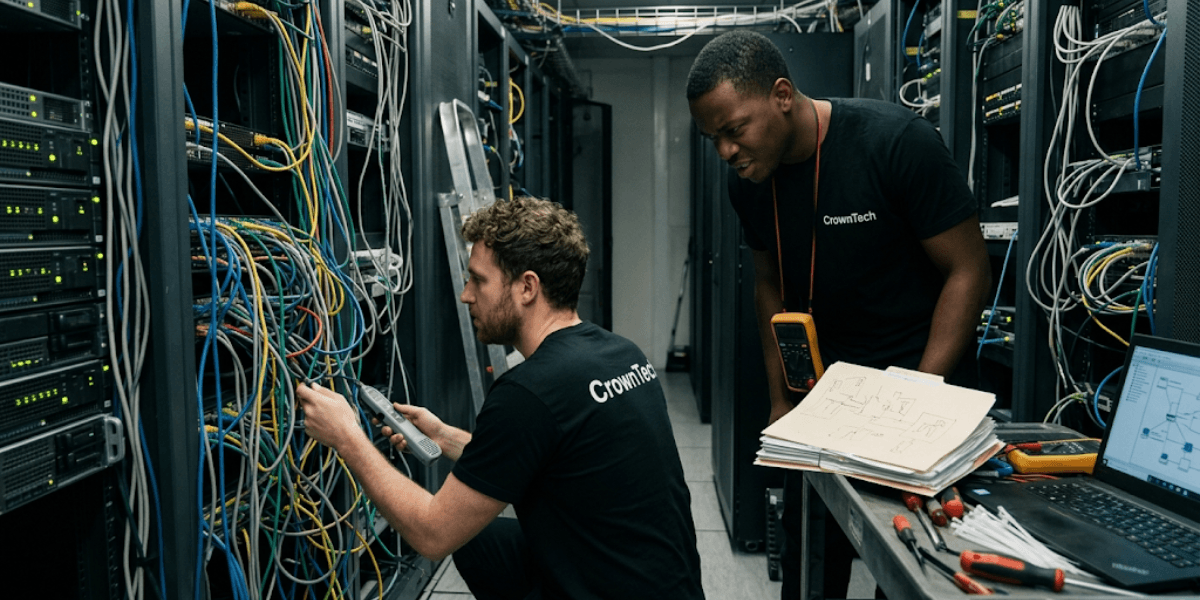
The teardown phase is where disorganization causes the most downstream damage. When teams rush to disconnect fibre optics, patch panels, and structured cabling without systematic documentation, they create a situation in which no one at the new site knows what connects to what. This is one of the most overlooked and costly items on any data centre relocation checklist.
➡ The Impact
"Cable spaghetti" at the new site becomes an immediate operational problem. It slows the recommissioning of systems, creates airflow issues that affect cooling efficiency, and makes future changes or expansions far more difficult and time-consuming.
How to Avoid It
- Colour-Coded Labelling: All the ports and cables should be labelled systematically before disconnection. This one step will guarantee speedy, correct, and accurate reconnection at the new location.
- Structured Cabling Solutions: Involve cabling and installation professionals to plan data drops, conduit paths, and patch panel designs in the target facility before any hardware arrives. When the racks roll in, the cabling environment is ready.
- Clean Cable Management: Move to the new location and maintain a professional cable management standard, not for looks, but for airflow, scalability, and future maintenance. If you are outsourcing data centre migration services or doing it yourself, a clean cabling environment is a functional one.
Risk 5: Post-Migration Performance Degradation
➡ Why It Happens
Powering systems back on is not the end of the process. Without rigorous end-to-end testing after recommissioning, latency issues, routing loops, misconfigured security policies, and unstable Wi-Fi deployments can go undetected until they affect end users.
➡ The Impact
Post-migration performance degradation is damaging precisely because it is invisible during the move itself. Often, latency issues, incorrect Wi-Fi optimization, internet drops, or issues with integrating hybrid clouds occur only under real production load, well after the relocation team has packed up and left.
How to Avoid It
- Exhaustive System Testing: Perform complete basic system function tests on all workloads immediately after you rack and power the systems at the new location. Test and confirm network connectivity, application response times, and load test the network before saying that the migration is complete.
- Network Optimization: Ensure the network infrastructure meets the requirements, optimize the network architecture for the new physical infrastructure, and test for stable integration with external cloud or hybrid environments. Even when it comes to a dedicated server relocation company or overall data centre migration services, the performance needs to be verified, not assumed.
How CrownTECH Eliminates Relocation Risks
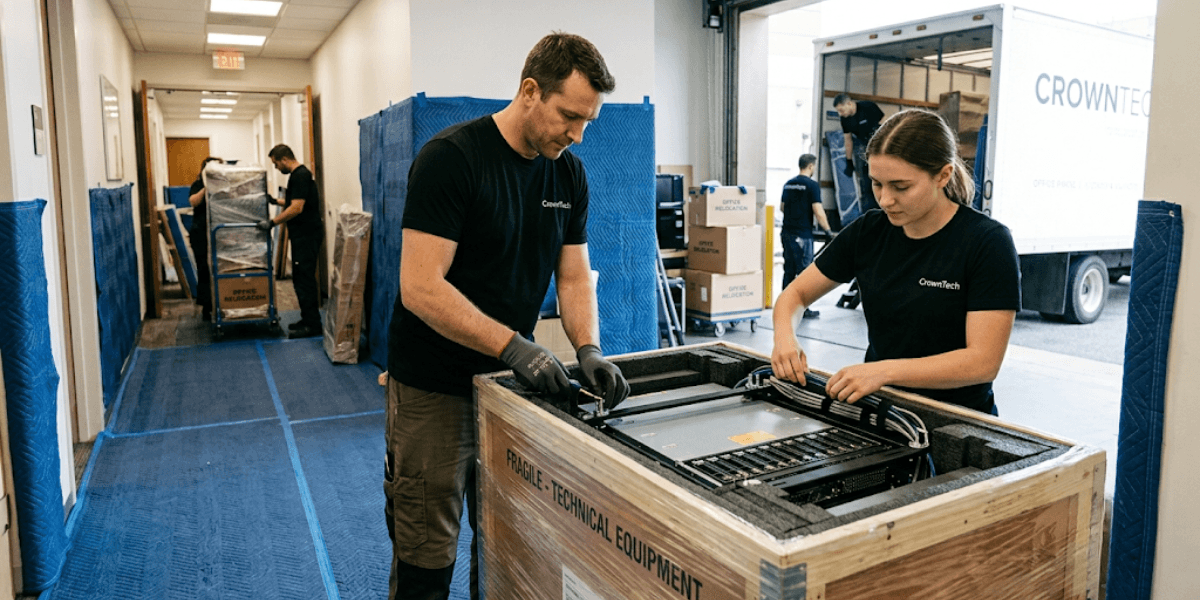
Most data centre relocation projects fail not because the risks are unknown, but because they are underestimated.
At CrownTECH®, every engagement assumes something will go wrong if it is not planned for. Our team's approach is to take a defined, end-to-end approach to every migration that addresses what happens before the first cable is pulled, during transit, and long after the last system is powered on at the new site. The result is a relocation that runs on schedule, arrives intact, stays secure, connects cleanly, and performs the way it should from day one.
➡ 25+ Years of Specialized Experience
Since 1998, CrownTECH® has been delivering IT relocation services across Canada and the United States, including Ontario, Quebec, Alberta, New York, Chicago, Texas, and beyond. As the provider of IT relocation services Toronto businesses and enterprises across North America rely on us, having encountered and resolved virtually every edge case a data centre migration can produce. No surprises, just documented solutions with decades of field experience.
➡ End-to-End Project Management
From day one, we offer a structured project management approach, encompassing the planning of the project timeline, allocation of resources, communication with project stakeholders, and tracking project progress all the way to system validation. Every deliverable on your data centre relocation checklist has an owner, a deadline, and a checkpoint. There are no gaps in any aspect of the service.
A Turnkey Approach
Here, we make the most difference. Instead of having to deal with several vendors, a mover, a cabling contractor, a network integrator, and a testing team, clients get a single, responsible data centre relocation company that takes care of them all:
- Desktop and server relocation.
- Structured cabling and installation.
- Network architecture design and optimization.
- Basic system functionality testing.
- Post-move IT cleaning and professional site cleanup.
- Weekend support for off-hours execution.
This integrated model of data centre migration services eliminates the handoff gaps that are the most common source of migration failures when companies try to manage a relocation with multiple disconnected vendors.
Conclusion
A successful data centre relocation is not the result of luck or brute-force logistics. It's the culmination of foresight in risk identification, exactitude in technical execution, and team experience that's delivered this way, at scale, under pressure, without cutting corners.
The five data centre migration risks outlined in this blog, downtime, hardware damage, data loss, cable chaos, and post-migration degradation, are all preventable. But if you plan for them, rather than react to them mid-move.
Never allow standard logistics companies or poorly staffed internal teams to manage your critical IT infrastructure. Serving as a trusted server relocation company and one of the most established names for IT relocation services Toronto and throughout North America, we offer the experience, systems, and accountability you need in your migration.
Contact us today for a risk-free consultation and a seamless transition.
Book Your Free Relocation Consultation
Contact us today to request a free consultation and secure a zero-data-loss, interruption-free transition.
Request Free Consultation →