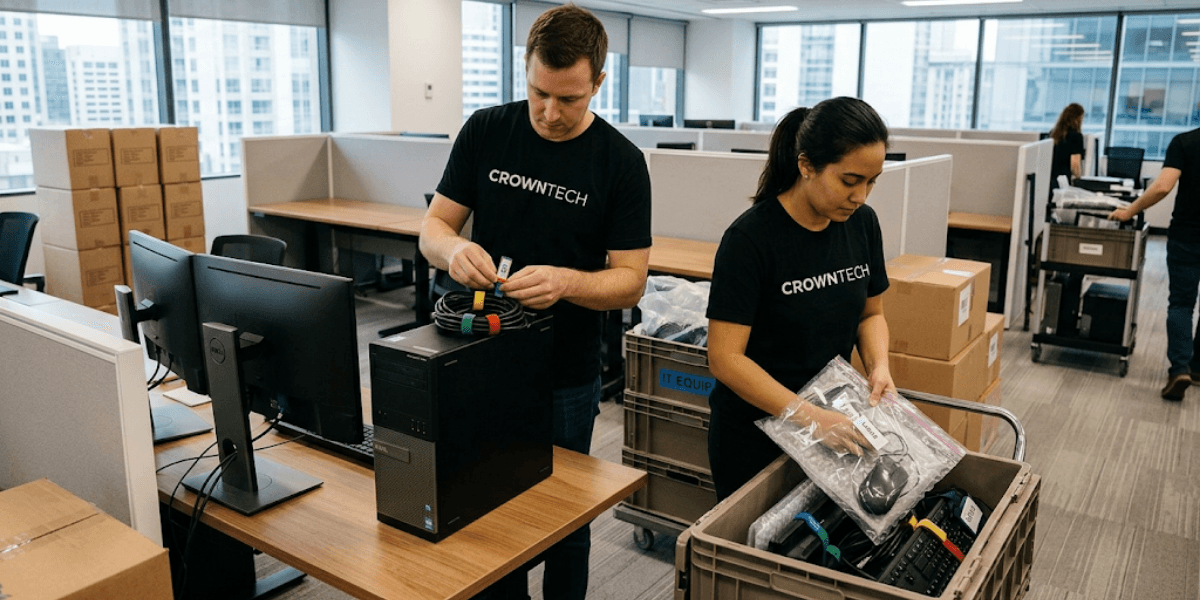
Desktop relocation services cover the systematic auditing, disconnection, labelling, transport, and reinstallation of workstation hardware during corporate office moves. To prevent lost cables, power bricks, and adapters, professional IT relocation specialists use custom desktop move bags, individual seat mapping, structured cable labelling, and chain-of-custody tracking.
Moving an office can be among the most operationally complex events a business can be involved in. Logistics related to furniture, floor plans, and lease agreements are at the forefront of mind for logistics teams, while IT infrastructure is often considered an afterthought and can come at a high price. Some of the most common things that get lost, damaged, or misassigned during an office move for a business are the workstations, peripherals, power cords, and accessories.
Desktop relocation services address this gap directly. Instead of relying on general movers to handle IT hardware, professional IT relocation specialists use a structured and auditable process to ensure that all cables, dongles, and devices associated with each employee workstation are handled correctly. The outcome: employees are on their new desks on Day 1, fully functional, not reporting a problem to the helpdesk and waiting for another machine.
This blog will explain why hardware loss occurs during office relocations, how to avoid it with a systematic relocation process, and what a best practice looks like from pre-move audit to post-move validation.
The Real Cost of Lost Cabling and Workstation Accessories During an Office Move
When a power brick goes missing, or a USB receiver disappears into a generic moving box, the immediate reaction is often, "We'll sort it out later." But in real life, it magnifies into measurable business losses that are much greater than the value of the hardware replacement.
That's why, instead of using any moving companies that provide desk relocation services, organizations in Ontario are choosing professional desktop relocation services for their sensitive IT equipment.
Direct vs. Indirect Move Costs
Direct Costs
The most visible losses are hardware replacements. The price of OEM power bricks for proprietary workstations or laptops is in the range of $80 to $250 per unit. Multi-monitor DisplayPort cables, USB-C hubs, Thunderbolt docking stations, and even specialized ergonomic peripherals are also worth more when you have to order them at the last minute.
When 50 or 100 workstations are relocated simultaneously, even a 10% loss rate across accessories translates into thousands of dollars in emergency procurement.
Indirect Costs
The harder-to-measure impact is lost productivity. Employees who are unable to log on to their computers on Day 1 are unable to perform their roles. Even a two-hour delay per employee, multiplied across a team of 80 people, represents significant labour cost with zero output.
When specialized peripherals such as drawing tablets for design teams or high-draw power supplies for engineering workstations go missing, delays can stretch into days while sourcing replacements.
Support Overload
IT helpdesk teams will invariably see a surge of tickets after an office move without IT planning. Cable mismatches, incorrect monitor configurations, unrecognized peripheral dongles, and network connectivity failures create a surge of support requests that overwhelms internal IT capacity.
The best way to avoid this completely is to hire an IT office relocation service before the move.
Top Hardware Components Most Frequently Lost During Relocation
- Proprietary power brick and power supply units (PSUs)
- USB-C/Thunderbolt docking stations and display cables (HDMI/DisplayPort)
- Wireless peripheral dongles (mouse and keyboard receivers)
- Network patch cables and custom monitor mounting hardware
Why Unmanaged Office Moves Lead to Lost Equipment
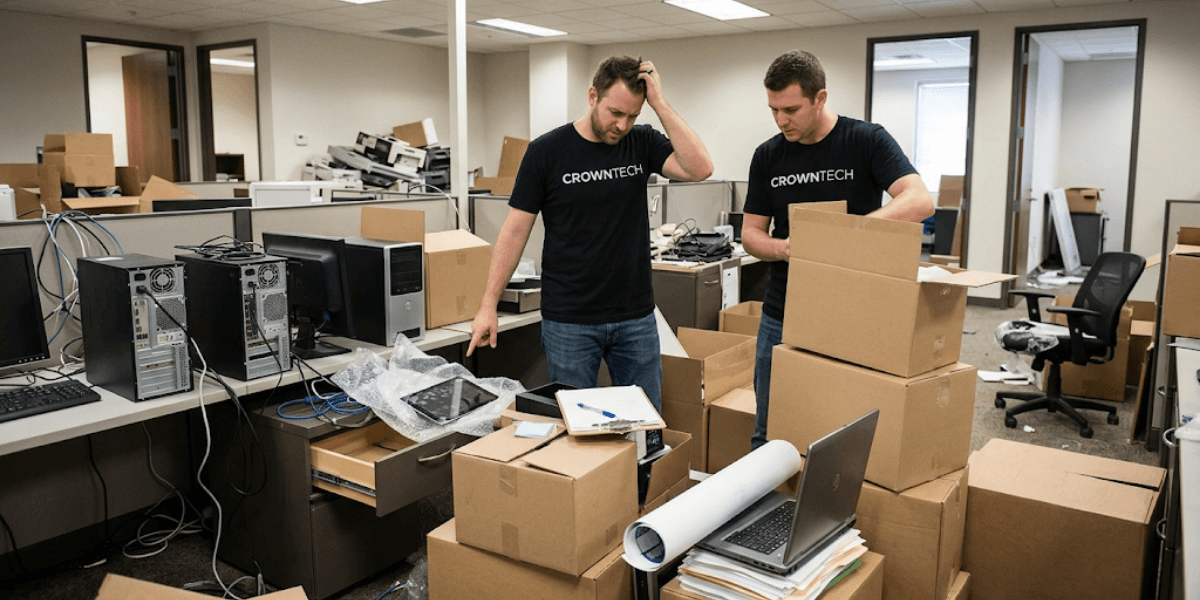
The first step in preventing hardware loss is to understand how it can be caused. In most cases, incidents can be tracked back to four failures in the system; these are the things that professional desktop relocation services are focused on fixing.
1. Inadequate Separation of Furniture Moving vs. IT Moving
The general moving companies are skilled in moving boxes and furniture on a volume and weight basis. IT hardware requires a different competency entirely. General movers disconnect the workstation, and multiple desks are likely to have their wires in one unmarked box without workstation attribution. When the boxes reach their new location, there's no reliable way to match a power brick to the correct laptop or a wireless dongle to its paired keyboard.
2. Lack of Pre-Move Workstation Mapping
Moving computers without first mapping specific users, seat IDs, and peripheral configurations is the single most preventable cause of Day-1 chaos. Without a documented inventory, no one can definitively confirm that all accessories from Desk 14A arrived at the new Desk 22B or whether any items are missing until the employee reports a problem.
3. Bulk Disconnection Without Labelling
Speed-driven disconnection, pulling cables from multiple desks simultaneously and placing them into generic containers, eliminates any chain of custody at the workstation level. When cables of the same form factor are mixed in (USB-C, HDMI, and Cat6 patch cables), they become indistinguishable.
4. Uncoordinated Infrastructure Readiness
Moving desktop workstations before network switches, floor ports, and patch panels at the destination are validated creates a second layer of failure. If the network infrastructure is not ready to accept it, even the best packing and labelling of equipment won't help to test or confirm it is operational.
Step-by-Step Methodology: How Professional IT Relocation Prevents Hardware Loss
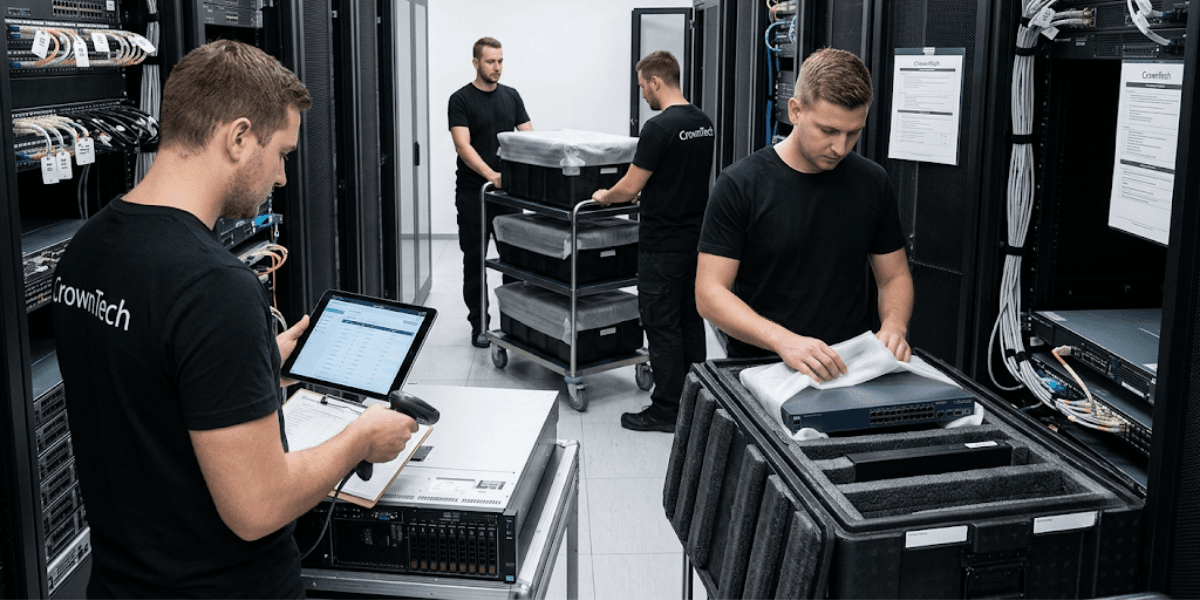
Process discipline is the key difference between a successful and an unsuccessful move. This six-step methodology is the systematic process that is used in industry-standard IT office relocation services and forms the backbone of any reliable IT office relocation
Step 1: Pre-Move Audit & Seat Mapping
A comprehensive inventory of all the machines and equipment before the first cable is moved is the basis of a zero-loss relocation. All desktops, laptops, monitors, docking stations and peripherals are catalogued by make, model and condition. Workstation ID, which corresponds to employees' assigned desks on the new floor plan, is assigned to each employee. Specialized configurations like dual or triple monitor arms, drawing tablets, and high-draw power supplies are noted for special treatment.
This mapping establishes the accountability mechanism for the entire move process.
Step 2: Individual "Move Bag" Tagging System
An anti-static hardware move bag is assigned to each workstation, based on the employee's workstation ID. All accessories (power cords, display cables, USB-C hubs, wireless dongles, and webcams) are bagged, tagged, and physically attached to the primary monitor or PC tower before transit. Nothing leaves a workstation loose or unlabeled.
This one move removes most of the accessory loss incidents that take place during unmanaged moves.
Step 3: Structured Disconnect Protocol & Cable Bundling
Workstations are turned off correctly, local data is backed up if applicable, and power is unplugged in documented order. Reusable Velcro ties are used to coil cables in a clean manner, not with zip ties that can cut into the cable's insulating material. If the setup is complex (multiple monitors or special), a source and destination port are labelled for mirror-image reconstruction at the new location.
Step 4: Secure Transport & Chain-of-Custody
IT hardware moves on padded, multi-tier rolling carts purpose-built for computer equipment, not general moving dollies. Chain of custody documentation will provide a history of where each workstation came from and where it went, providing verifiable steps so all remain accountable.
Step 5: Mirror-Image Reconnection & Cable Management
At the destination, workstations are reassembled according to the original or optimized layouts documented during the pre-move audit. Under-desk cable management trays, J-channels, and Velcro routing keep the cable runs clean and tidy and avoid the usual mess of cables that gets created when a cable is reconnected in a hurry. Patch cables are made with only pre-tested and validated wall ports.
Step 6: Post-Relocation Validation & Day-1 Onsite Support
Before employees come on duty, each workstation is booted up, powered on, connected to the network, and checked for peripheral functionality. Any issue that is discovered during this stage is fixed before it becomes a Day-1 support ticket. Dedicated floor-walking support remains on-site throughout the first business day to handle individual user adjustments quickly and without helpdesk escalation.
Standardized Desktop Relocation Checklist for Office Moves
A structured IT office relocation checklist is not optional; it is the operational backbone of any successful workstation move. Without it, accountability breaks down, and hardware loss becomes inevitable.
The following checklist outlines best-practice guidelines that have been integrated into professional desktop relocation services and can be customized to your organization, based on your number of users, hardware sophistication, and move timeline.
Desktop Relocation Checklist
- Perform full workstation inventory and document all custom configurations
- Assign unique seat numbers and corresponding colour-coded labels to each workstation
- Check new patch panel and network port activations before move day
- Shut down computers properly and disconnect all power sources
- Bundle cables using Velcro ties; avoid zip ties that can slice cable insulation
- Store all power adapters, mice, keyboards, and wireless dongles in designated move bags
- Securely attach move bags to the appropriate monitor or PC tower
- Mount monitors and place towers or docking stations per the approved floor plan
- Reconnect all peripherals and route cables through designated cable management hardware
- Test power, boot sequence, network and peripheral responsiveness on each seat
This checklist functions as both a planning tool and a post-move validation record, ensuring that nothing is assumed operational without confirmation.
Partner with CrownTECH® for Zero-Downtime IT Relocation in Ontario
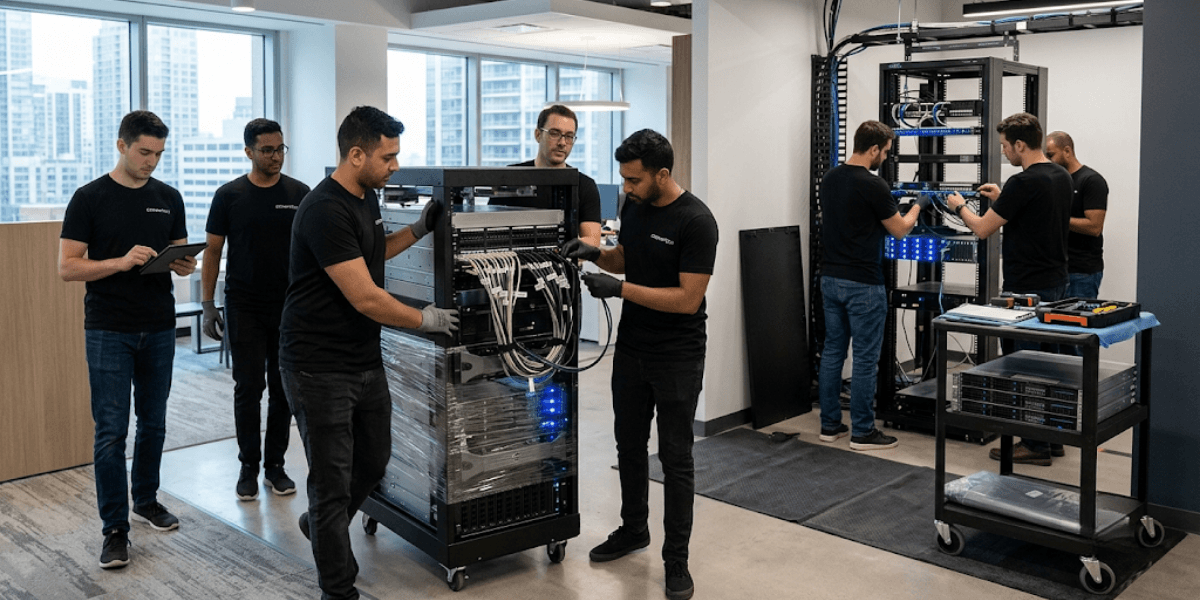
CrownTECH® brings over 25 years of hands-on experience in IT infrastructure management and corporate office relocations across the GTA and Ontario. The team has relocated over 1,000 corporate offices with a proven and repeatable process that reduces the risk of hardware loss and minimizes business disruption.
We provide complete IT office relocation services to ensure a seamless move from one location to another, such as desktop disconnect and reconnect, structured cabling, server room relocation, and dedicated post-move technical support. Each engagement starts with a customized IT office relocation checklist specific to your organization's infrastructure, staffing, and operations needs.
Conclusion
Lost cables, missing adapters, and unrecognized dongles are not inevitable consequences of office moves. They are predictable consequences of unstructured and poorly managed relocation processes and are completely avoidable if managed properly with the right expertise and methodology.
Whether it's pre-move workstation auditing, individual move-bag tagging, chain-of-custody transport, or Day-1 floor-walking support, professional desktop relocation services provide a seamless experience that general movers simply cannot match.
Contact us today for seamless IT relocation services tailored to your team's needs.
Book Your Free Relocation Consultation
Contact us today to request a free consultation and secure a zero-data-loss, interruption-free transition.
Request Free Consultation →