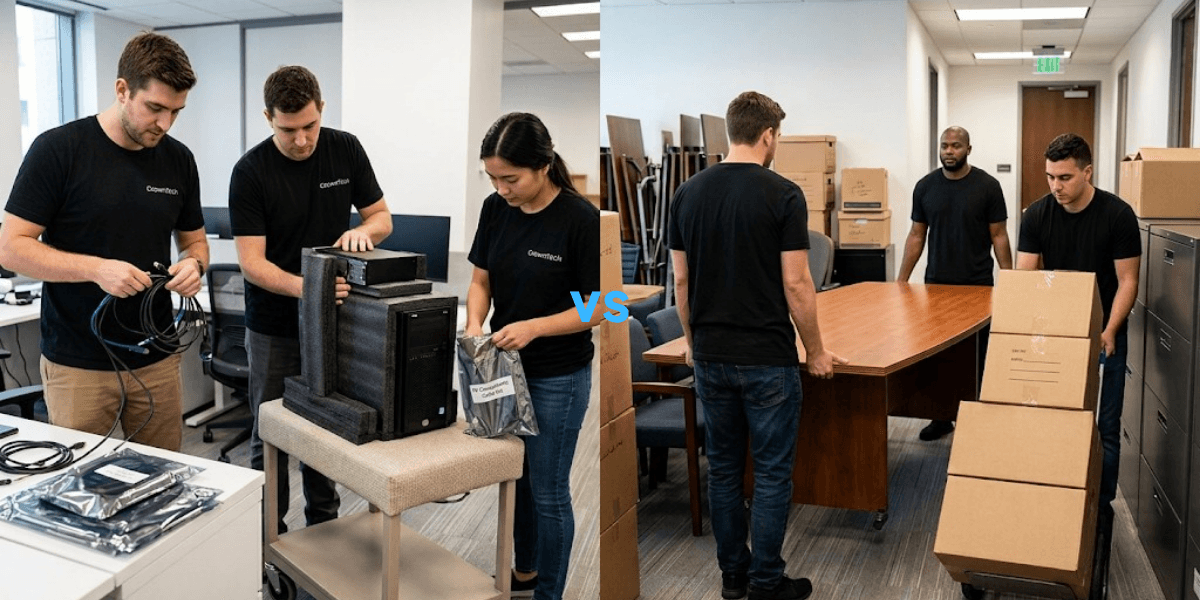
Most businesses are concerned about the logistics of an office move when planning: booking the movers, packing boxes, and arranging building access. A big difference people don't consider is the difference between furniture and the technology that keeps their business running.
This is one of the most expensive mistakes a growing business can make.
Grouping high-value desktop workstations and network hardware under a standard commercial moving contract puts your infrastructure and your Monday morning productivity at serious risk. The first step to safeguarding that infrastructure is knowing the difference between office movers and IT movers.
A modern business workstation is more than just a monitor and a keyboard on a desk. All of this is a precisely configured system that is linked to domain authentication, local data, VLAN access, dual or triple monitor configurations, and various special peripherals. If you move it wrong, you don't have a scratched screen on your hands. You are coping with broken configurations, static-disrupted components, and mismatched gear, and you can even be looking at hours or days of downtime.
This blog will help you understand what desktop relocation services are, how they are different from traditional office movers, and why that distinction matters for businesses planning a relocation in Toronto and across Ontario.
What Are General Office Movers?
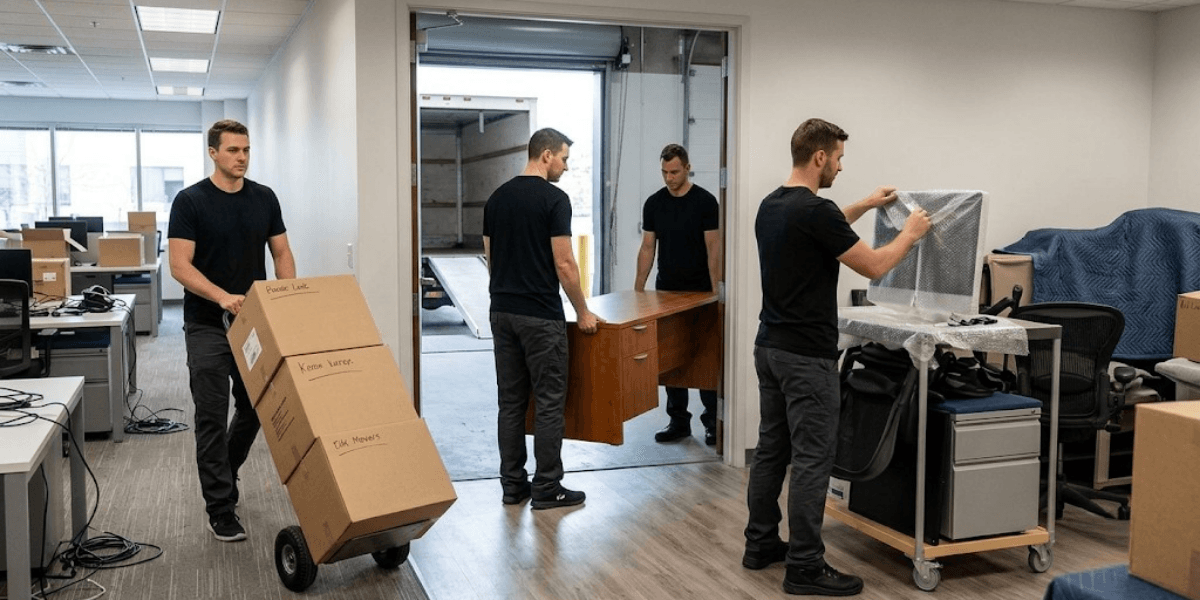
General office movers are commercial logistics providers. They excel in physical transportation, disassembling modular desks and cubicle systems, loading office materials and common area furniture, coordinating loading docks, and managing building access permits, including Certificates of Insurance (COIs).
They are good for furniture, filing cabinets, and cardboard boxes. They're not for IT infrastructure.
Commercial computer moving services require training and equipment that typical computer movers lack. To truly comprehend the reason, it is necessary to look at where general movers fall short.
Limitations When Handling IT Equipment
No Technical Knowledge
General moving crew members are not trained on system shutdown protocols, server dependencies, and cabling standards. When a workstation is shut down in an improper manner or not shut down at all, files may be corrupted, or hardware damage may result. They will have no idea what the difference is between a patch panel and a power strip and why it's important when moving.
Lack of Anti-Static Packaging
Standard bubble wrap and moving blankets provide zero protection against electrostatic discharge (ESD). One of the most common reasons for silent hardware failure is static buildup that occurs during transport and can only be detected days after the move has taken place. Without anti-static packaging, these internal components, such as RAM, GPUs, and SSDs, are very susceptible.
No User-to-Seat Mapping
Without an asset management process, teams pack workstations by floor or box number rather than by user. This approach leaves a new office with the wrong monitors, wrong docking stations, and wrong peripheral devices. It takes IT hours to untangle this, and it makes staff frustrated before the beginning of the workday.
No Post-Move Support
Once a general mover's crew unloads the truck, they finish their work. They won't turn on your devices, run your network connections, check your domain logins, or help you to diagnose a monitor that doesn't recognize its input source. That responsibility falls back on your internal IT team, often at the worst possible time.
What Are Desktop Relocation Services? (The IT Specialist Approach)
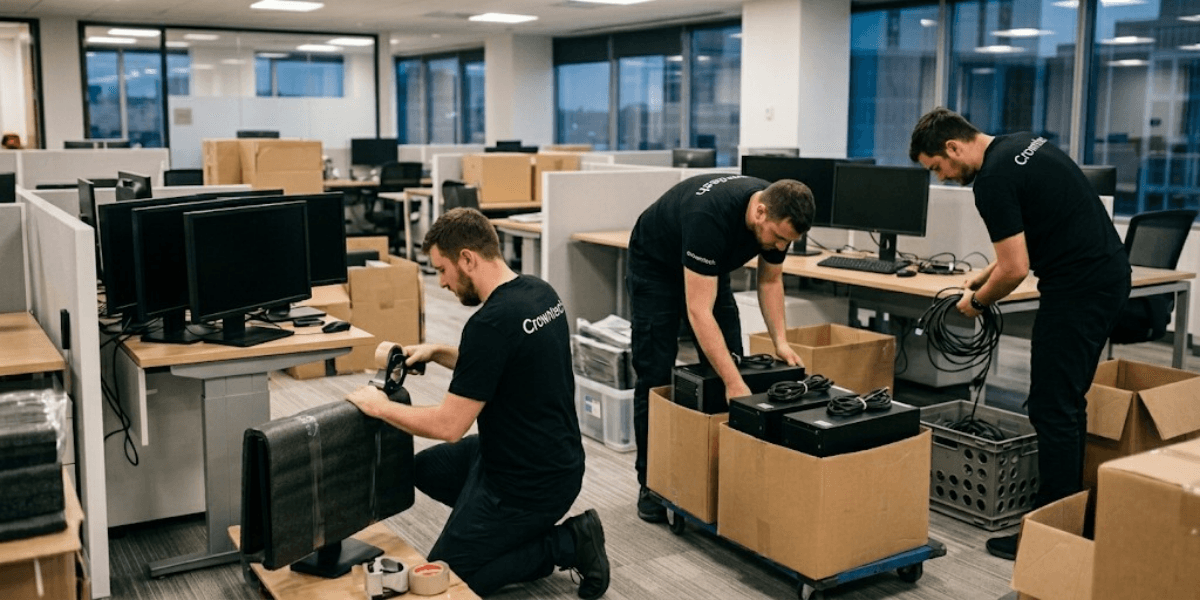
Desktop relocation services represent a specialized discipline within office technology migration and focus on the safe decommissioning, transport, reassembly, and validation of individual employee desktops and other technology setups.
A desktop relocation specialist also differs from general movers because each desk is a particular user-specific workspace that needs to be delivered to the new location in the same condition it was in before moving. All cables, adapters, monitor arms, and peripherals are documented, tagged, and precisely put back together.
CrownTECH® has developed a proven methodology for executing this process with zero operational downtime, whether the relocation involves 50 workstations or 500.
The 5-Step Desktop Relocation Process (The CrownTECH® Method)
Pre-Move Audit & User-to-Seat Mapping
Before a single cable is unplugged, a complete audit is conducted. Documentation of each user desk ID, monitor setup, peripheral devices, and network setup. This provides an exact and accurate plan for reassembling, with no guesswork on move-in day.
Off-Hours / Weekend Disconnect
Disconnection occurs outside of regular business hours or during the weekend, when the facility is not in use. Anti-static bags, labelled containers, and organized cable tagging confirm that all parts are securely packed and tracked during the move. This level of planning is standard practice in professional desktop relocation services and completely absent from general moving contracts.
Secure Anti-Static Transport
Climate-smart transport of hardware on custom-made padding and IT-specific crating. A chain of custody procedure is followed that makes sure each asset is tracked from the moment it disconnects until it's connected back together, a process that is particularly important for businesses in regulated industries.
Mirrored Disassembly & Reassembly
In the new location, every workstation is configured to replicate the setup of the employee's workstation, including computer cables and monitor placement. It's not an approximation; it is a documented, photo-confirmed recreation of the old environment.
An experienced desktop relocation specialist will complete this process without requiring input from end users or internal IT staff.
Post-Move Boot & Network Validation
All devices are turned on before staff come in on Monday morning. Network connectivity is checked, access to VLANs is verified, logins to the domain are verified, and application functionality is verified. If anything is not functioning correctly, it is resolved before employees walk through the door.
Desktop Relocation Services vs. General Office Movers: Key Comparison
| Feature / Capability | General Office Movers | Desktop Relocation Services (CrownTECH®) |
|---|---|---|
| Primary Focus | Desks, chairs, boxes, physical transport | Workstations, network connections, IT hardware |
| Handling Protocols | Standard blankets, bubble wrap, plastic bins | Anti-static packaging, foam padding, custom IT crates |
| User & Cable Mapping | Basic box labelling (e.g., "Floor 3") | Detailed asset tagging & user-to-seat layout matching |
| Network & Software Verification | ❌ None | ✔ Full boot testing, network link & login validation |
| Work Execution Schedule | Standard business or evening shifts | 100% off-hours & weekend deployment (zero downtime) |
| Post-Move Technical Support | ❌ None | ✔ On-site helpdesk & technical troubleshooting |
| Data Loss & Damage Risk | High (mishandled screens/internal static) | Zero Data Loss Guarantee / Fully Insured IT Scope |
The difference is significant. For businesses that depend on uptime, the right choice is clear. When evaluating the difference between office movers and IT movers side by side, the capabilities of a specialized provider speak for themselves.
Why Desktop Relocation Must Align with Network Infrastructure
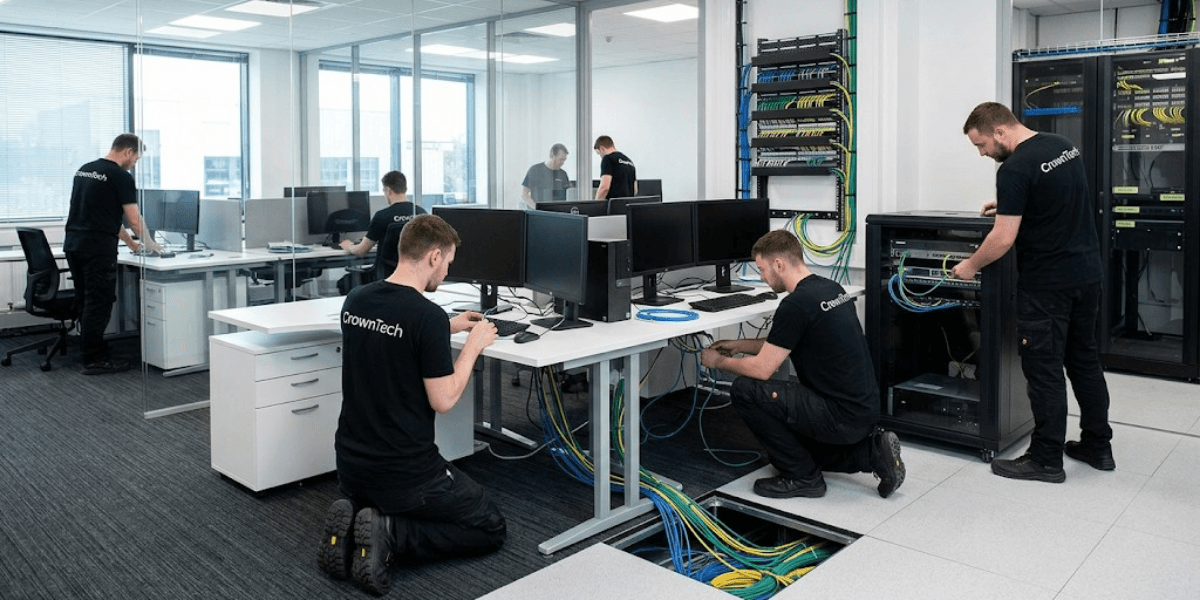
A workstation does not function in isolation. Powering it on at the new office is not enough; it also needs an active low-voltage data drop, a correctly configured switch port, and running servers before it can authenticate, access shared drives, or connect to business applications.
This phase is where many technology moves break down, even when a qualified IT mover is used.
Dependency on Cabling & Server Readiness
When structured cabling and server migration are handled by different vendors with different timelines, there is a high chance that it will lead to delays. A workstation team that arrives to deploy 200 desktops can be completely blocked if the cabling contractor has not yet terminated data drops or if the server team is still configuring Active Directory at the new site.
Single-Vendor Advantage
Choosing an IT relocation company Toronto businesses can rely on for the full scope of a move, structured cabling, server migration, and desktop deployment eliminates this risk entirely.
For Toronto and GTA businesses managing complex office technology migration services, this unified approach prevents the miscommunication, schedule conflicts, and finger-pointing that arise when multiple contractors manage different parts of the same move.
As a trusted IT relocation company Toronto businesses have partnered with across industries, we synchronize cabling, servers, and workstations to go live together on schedule and on budget.
Compliance & Security
For organizations in legal, healthcare, or financial services, the chain-of-custody documentation maintained throughout a CrownTECH® relocation also supports compliance obligations. All assets are captured from decommissioning to redeployment, with an audit trail of hardware custody throughout the move process.
This is a standard that commercial computer moving services provided by general movers simply cannot meet.
Checklist: Questions to Ask Before Choosing an Office Relocation Partner
As a starting point, before the project manager and facilities director enter into a relocation contract, they should ask the prospective vendors the following questions:
Relocation Partner Qualification Checklist
- Do you use anti-static bags and dedicated IT crating for workstations?
- Before disconnecting, does your team take pictures of the desktop configurations?
- Will your techs run system boot and network connection tests before move-in?
- Are your relocation crews certified IT technicians with insurance covering tech infrastructure?
- Do you offer on-site post-move support on Monday morning to assist staff?
Most general movers will respond with “no” to the following questions. A qualified desktop relocation specialist should answer "yes" to all of them. If a vendor cannot clearly describe their anti-static protocols, user-to-seat mapping process, or post-move validation procedure, that is a serious concern.
Use this checklist as your qualification filter when evaluating any provider offering desktop relocation services or office technology migration services. The response will soon help you determine if you are talking to a general logistics company or a real IT relocation specialist.
Conclusion
General office movers carry desks. Specialized desktop relocation services carry the systems that run your business.
The difference between office movers and IT movers is not just technical; it is operational. Choosing the wrong partner for a technology-heavy office move can result in static-damaged hardware, misconfigured workstations, failed network connections, and costly downtime that disrupts staff and client commitments from day one.
Whether your organization needs commercial computer moving services for a small team or a full-scale office technology migration for hundreds of employees, working with a certified desktop relocation specialist eliminates the risks that general movers cannot manage.
By hiring the right IT relocation company, you can be confident that your valuable IT infrastructure is well cared for, your employees can start working immediately after you move, and your business will not be interrupted. Contact us today to create a customized move plan.
Book Your Free Relocation Consultation
Contact us today to request a free consultation and secure a zero-data-loss, interruption-free transition.
Request Free Consultation →