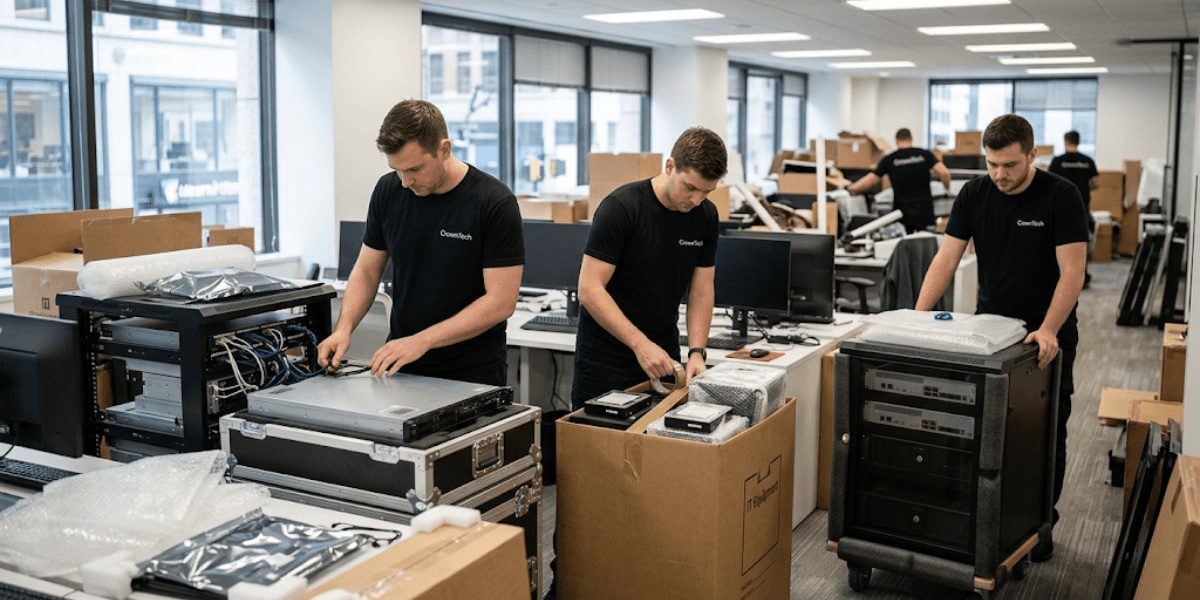
To most businesses, an office move is a project involving furniture and logistics. It is not. From an IT standpoint, a corporate office relocation is a high-risk business continuity/disaster recovery (BC/DR) situation: one where a single misstep can result in server crashes, network outages, data corruption, and broken endpoint security compliance.
The financial consequences are severe. Unplanned downtime costs enterprises thousands of dollars per hour. Recovering the corrupted databases and lost configurations can take days or weeks. In regulated industries, if the data chain of custody is not maintained during transit, it could lead to compliance issues under PIPEDA or FIPPA.
Physical impact during transport, improper server shutdown sequences, unauthorized equipment access, and unverified data backups all create serious vulnerability surfaces during an enterprise move.
Protecting business data through a move requires something entirely different from a generic commercial moving company. It requires structured frameworks, specialized handling protocols, and a strict chain-of-custody model. This is the level of service CrownTECH has provided in Ontario, the GTA and in cross-border areas for more than 25 years.
The following 5-phase plan provides a step-by-step guide to securing critical business data before, during, and after a corporate office relocation and explains why cutting corners at any phase compounds risk exponentially.
5 Phases To Protect Business Data During a Corporate Office Relocation
Phase 1: Pre-Move Audits & Photographic Asset Mapping (6+ Months Out)
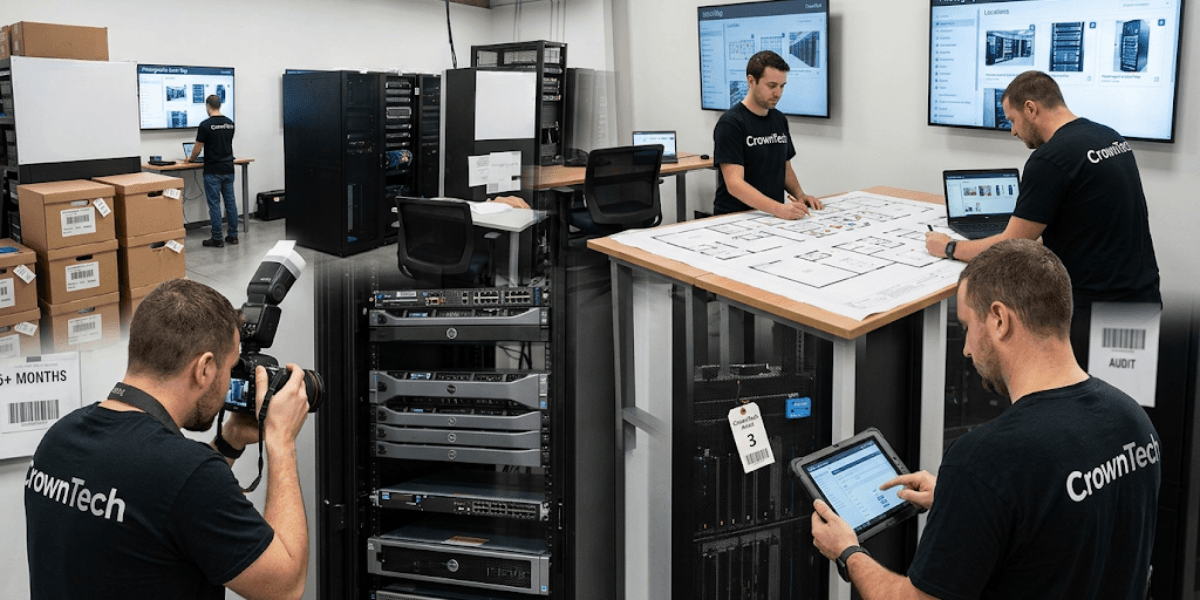
Most generic IT office relocation checklists end with making a simple spreadsheet list of hardware. That's not enough for any organization with a more complex IT environment. The true IT office relocation checklist goes a fair bit deeper, far down into your network dependencies, licensing requirements, and physical asset documentation, even before you begin planning.
But a good pre-move audit is a much more involved process:
- Comprehensive Network Infrastructure Audit: All physical and cloud resources will need to be identified and documented before you start planning, including servers, workstations, firewalls, switches, and network configurations. This is not a 1-hour walkthrough. It is a structured technical inventory that maps all the environment's dependencies.
- Photographic Replication: Multi-angle photographic documentation of server racks, complex tech stacks, and individual user workstation layouts is vital. If this doesn't happen, reinstallation staff are guessing at cable runs, peripheral placements, and rack configurations, and that results in delays and security problems.
- Logical Dependency Mapping: A lot of enterprise applications depend upon specific physical server configurations, IP-based access restrictions, or hardware-based licensing keys. These dependencies are not apparent until a system does not start up at the new location. Finding them six months ahead will save you last-minute scrambles.
We perform a free on-site assessment months in advance of move day, identifying the issues with infrastructure before they become move day problems. As a provider of IT relocation services Toronto, this single step consistently prevents the most common and costly surprises during enterprise relocations across the GTA.
Phase 2: Implementing a Redundant Data Backup & Recovery Plan (3 Months Out)
The answer is the 3-2-1 backup rule, executed without exception: three copies of business data, stored across two different media types, with one copy secured off site or in the cloud and the entire backup set validated through a successful full system restore before a single cable is disconnected.
There are three critical areas where businesses consistently fail at this phase:
- Encryption of In-Transit Assets: All of the backup arrays and local storage hard drives should be fully disk-encrypted before they are moved out of the building. This is not negotiable. For large enterprises or for data protection in small businesses, Canadian systems like PIPEDA and FIPPA manage this compliance requirement.
- Data protection for small businesses is especially critical here, as smaller organizations are less likely to have redundant recovery infrastructure if primary systems fail in transit.
- The Validation Trap: Assuming a backup works without testing it is one of the most expensive mistakes in IT operations. Backups fail silently. A corrupt backup found during a crisis recovery, once systems have been decommissioned, is a lost opportunity for data recovery. Test every restore before move day, without exception.
- Segregated Backup Transport: Backup arrays should be separate from the primary production server machine hardware. If they move together, they have one point of failure. A single transit accident that damages both the primary system and its backup simultaneously eliminates all recovery options.
Phase 3: Technical Execution Day & Safe Server Decommissioning
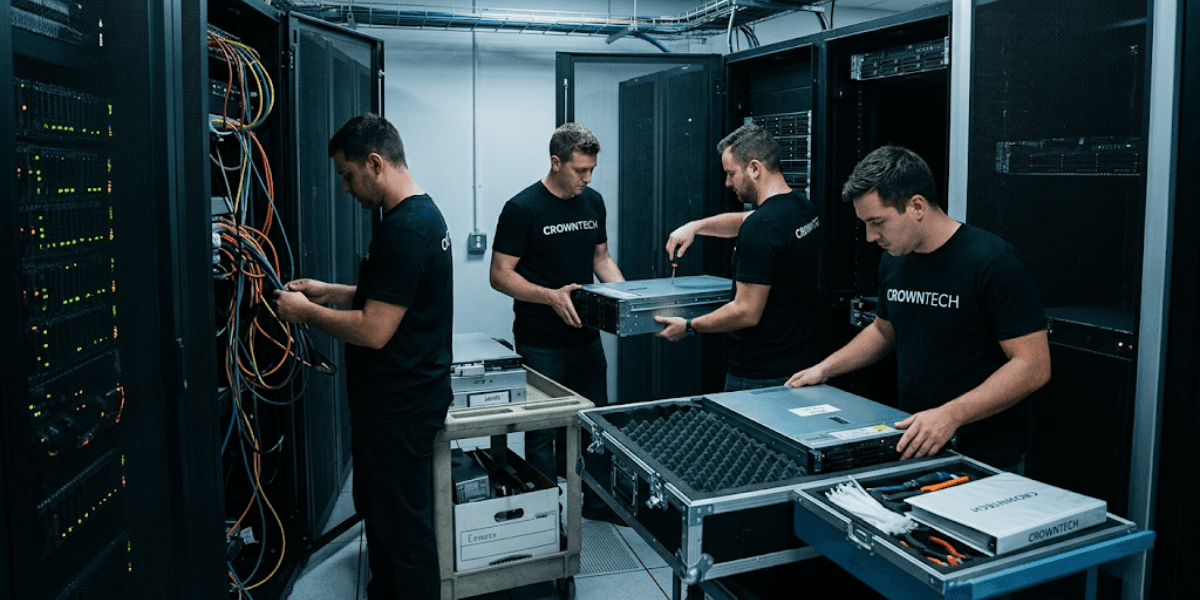
Move day is where most unmanaged relocations fail at the technical level. The most common and damaging error is a straightforward one: treating server disconnection like unplugging a lamp.
Live database servers, Linux systems, and Unix environments cannot be turned off suddenly. If it is performed when an I/O operation is active, it will immediately destroy the file system and result in data loss. This isn't a risk; it's a certainty.
The Engineered Protocol that CrownTECH follows:
- Quiescing Storage I/O: A precise, pre-documented shutdown sequence should be followed, giving time for all data transactions to complete before equipment power is turned off. The exact order will depend on the system being moved and requires the approval of a qualified engineer, not a general moving crew.
- Anti-Static Physical Protection: High-value infrastructure components (servers, network switches, and storage arrays) are packed in industry-standard anti-static packaging, dense foam padding, and custom physical protection crates designed for each component. Regular moving blankets do not work for enterprise IT equipment.
- Strict Chain-of-Custody Tracking: A unified move manifest that logs every asset's serial number, records signed equipment handoffs at both origin and destination, and tracks each unit through transit is non-negotiable. Without it, equipment accountability breaks down, creating both operational and security risks.
This level of technical execution is what separates a specialized IT relocation services Toronto provider like us from a general commercial mover.
Phase 4: Network Readiness & Parallel Operations Management
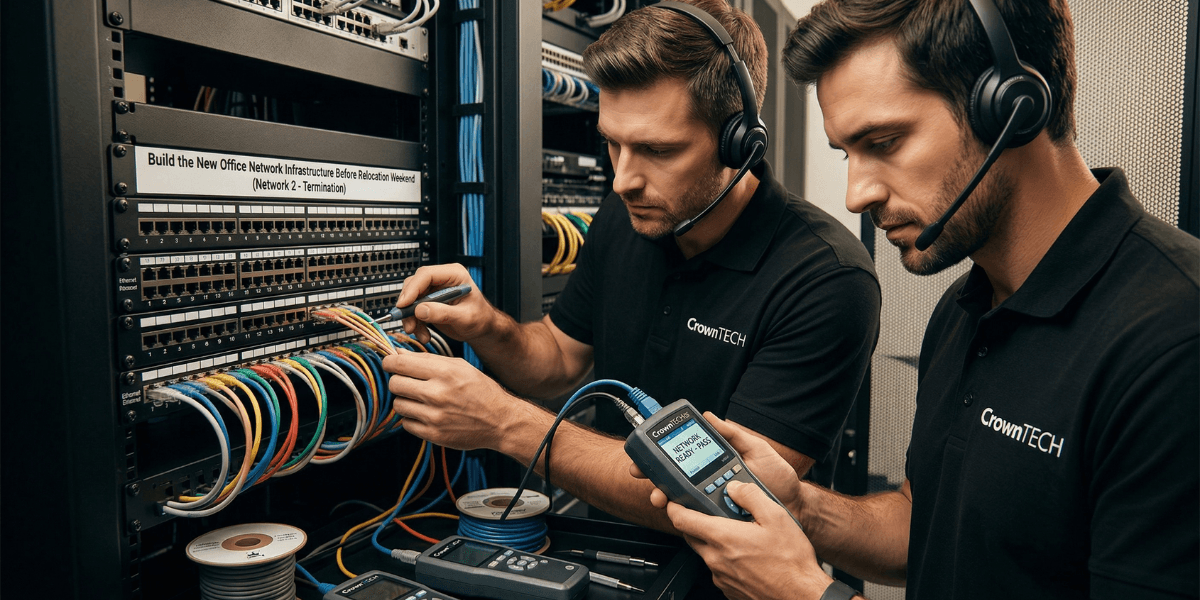
The answer is infrastructure-first deployment. Any core network components, such as ISP circuit provisioning, firewalls, VLAN setups, and Wi-Fi access points, have to be fully functional and tested in the new location before any user devices arrive.
Managing the Dual-Site Window:
- Secure WAN/VPN Connections: An encrypted connection needs to be established between the old and new locations during the transition period. The facilities at both sites must be protected and have secure means of access for staff, with clear and verified access to shared resources and no gaps in protection.
- Staggered Migrations: Rather than executing a single-day cutover for all departments simultaneously, structured department-by-department migrations over off-peak weekends or evenings keep shared services live, reduce risk, and allow issues to be identified and resolved in isolation before the next migration wave.
- One of the most overlooked items on any practical IT office relocation checklist is this phased approach, and it is one of the main reasons organizations have extended downtime after move day.
- Pre-Configured Environments: Pre-stage and pre-test Wi-Fi access points, security parameters, and IP addressing schemes as far in advance as possible before move day. During move day, when IT staff and users are waiting for systems to connect, a misconfigured VLAN or conflicting IP range can be avoided completely.
We coordinate network readiness as a structured phase of every corporate office relocation engagement, not as an afterthought.
Phase 5: Reinstallation, Identity Access, and Stabilization Testing

Move day is not the finish line. It is the beginning of the stabilization window, and treating it as a finish line is one of the most common errors in corporate IT relocations.
Post-Move Environment Verification Steps:
- Endpoint Security Validation: All endpoint security tools, firewall rule sets, threat monitoring solutions, and identity and access management configurations (such as Active Directory, Single Sign-On (SSO), and Multi-Factor Authentication (MFA)) need to be individually tested to ensure they are working correctly in the new environment.
- Configuration drift can occur due to changing IP addresses, assigning new VLANs, and adding new hardware; it must be explicitly confirmed. This applies whether you are managing data protection for small businesses with a lean IT team or overseeing a full enterprise security stack.
- Workstation Reconstitution: Each workstation environment should be restored in a manner that replicates exactly its physical and peripheral configuration. All of the following items should be aligned with the original pre-move configuration: the monitor's position, the configuration of docking stations, peripheral assignments, and the configuration of applications. The goal is zero friction for employees on their first morning in the new space.
- Environment Verification Reports: Leadership teams should have structured post-move documentation, active network connectivity validation results, system testing logs, confirmed service restoration statuses, and a list of any outstanding items. To have a baseline without handoff means there's no baseline to compare with a problem that's discovered days later.
Why CrownTECH
CrownTECH has more than 25 years of enterprise IT move experience throughout the GTA, cross-border, and across Ontario. Each engagement comes with set prices, no scope creep, no surprise invoices, and a track record of zero data loss incidents with over 1000 projects completed.
The distinction between a specialized IT relocation services Toronto provider and a general mover is not a matter of degree. It is structural. General commercial movers do not carry the technical frameworks, shutdown protocols, chain-of-custody systems, or network readiness expertise that enterprise business data protection requires.
We've developed our engineering-grade methodology specifically for organizations where data integrity and uptime are paramount.
Conclusion
Protecting business data through a corporate office relocation is not achievable through checklists alone. It requires an explicit combination of two capabilities working together: the environment familiarity that internal IT teams hold, paired with relocation-specific methodologies and physical transport expertise that only a specialized provider can bring.
The five phases listed here are the operational minimum for any enterprise move in which data integrity must be a requirement, not a hope. The methodology remains the same regardless of whether it's enterprise continuity or data protection for a small business; it's just the size that is different.
Don't leave your organization's proprietary business data to a generic moving crew. Contact us today to schedule your comprehensive, free on-site assessment and protect your corporate office relocation from start to finish.
Get a Free IT Relocation Risk Audit
Before you take the next step, CrownTECH® can determine exactly what might go wrong and how to avoid it. We are one of the top IT relocation services Toronto companies; we offer a free, no-obligation risk assessment for businesses across Canada.
Book Your Free Risk Audit →