What You Need to Know Before You Move
- Slow internet in a new office is almost never a hardware problem. It's an installation problem.
- The most common culprits: data cables routed parallel to electrical lines, sharp cable bends, outdated Cat5e wiring, and poor airflow caused by tangled rack cabling.
- The fix is structured, professionally certified network cabling built into your relocation plan from day one, not bolted on at the end.
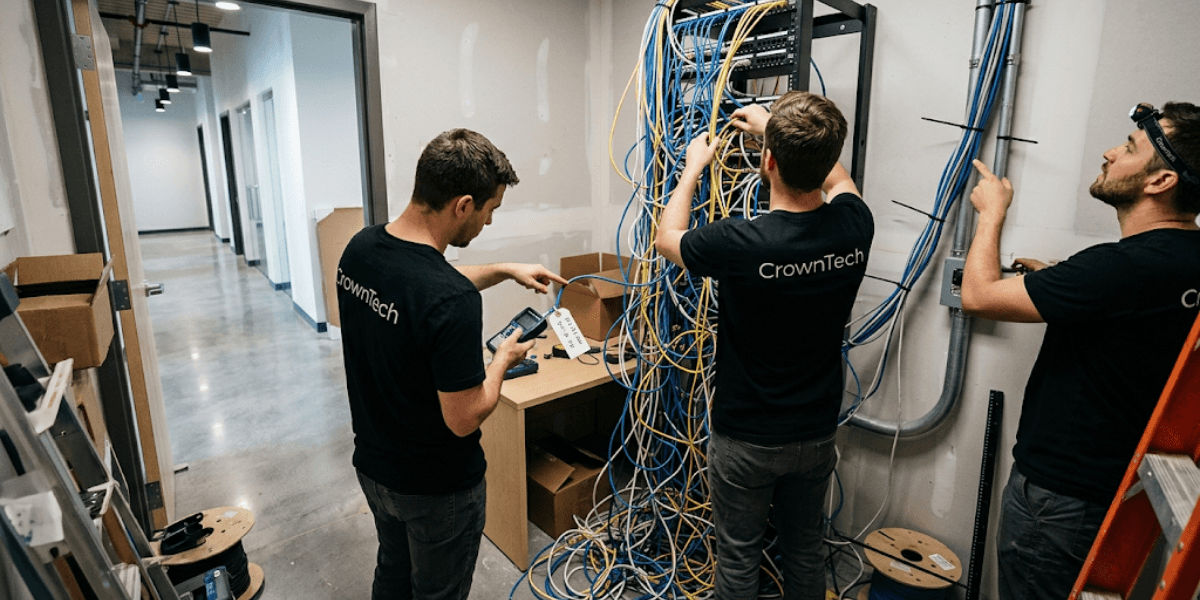
Some businesses spend months planning the physical move to their new office, new furniture, seating charts in the departments, layout of the floor, etc. The IT network? The IT network is generally sorted out in the last week.
That's the relocation blind spot that costs companies dearly.
A beautifully designed office with slow, unreliable internet is an unproductive office. The reality, however, is that network performance has little to do with the cost of routers or switches. Physically, it is limited by the quality of your network cabling below. Bad wiring is invisible until your team logs in for the first time. By then, the walls are closed, and the damage is done.
CrownTECH® has been delivering certified network cabling services and full-scope corporate IT relocations across Toronto and the GTA for over 25 years. One thing that occurs repeatedly over that period of time is that companies that have network slowdowns after they move do not have a hardware issue. Before one employee ever sat down at their new desk, they had a cabling issue.
This blog identifies the five most damaging network cabling mistakes made during office relocations and exactly what the right approach looks like.
The 5 Cabling Mistakes That Disrupt New Office Performance
1. Poor Cable Planning (Electromagnetic Interference & Bad Routing)
The Mistake
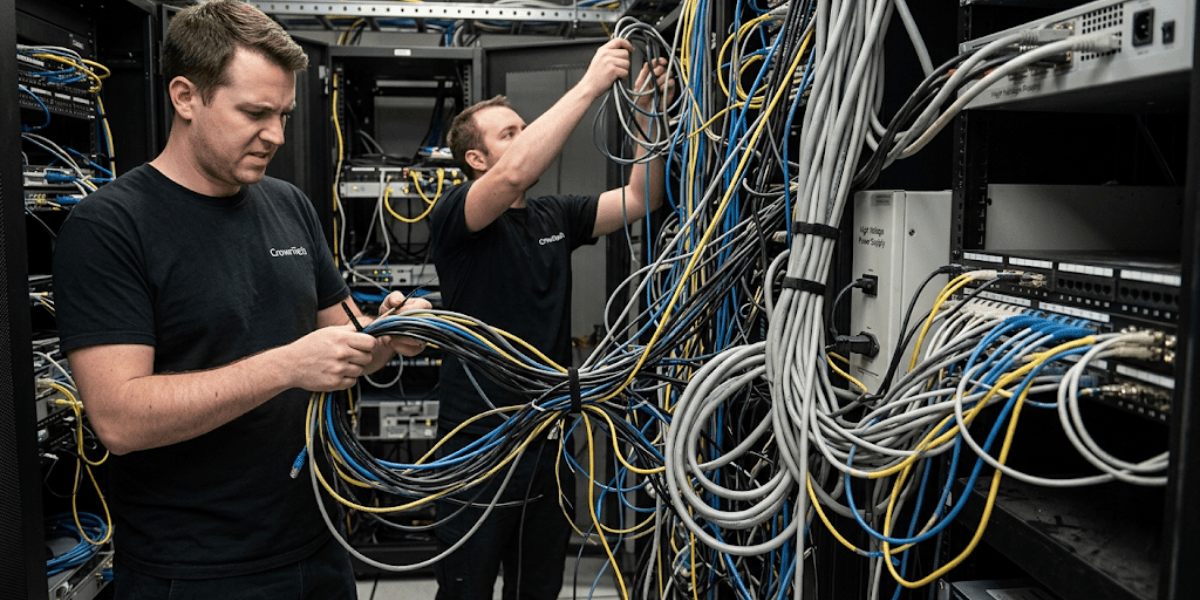
Contractors often install the low-voltage data lines alongside (or through) the high-voltage electrical lines for space savings and to ensure installation speed. It's a shortcut that creates a long-term problem.
The Technical Consequence
High-voltage electrical wires generate electromagnetic fields. If low voltage wiring is installed alongside those lines, then those fields induce electromagnetic interference (EMI) directly into your data cables. This leads to packet loss, repeated retransmissions, and internet speeds that are not as fast as your cheapest hardware.
This isn't a theoretical risk. It's one of the biggest network performance problems in a newly moved office, and you can't see it from the outside. Experienced low voltage wiring contractors plan these pathways during the pre-installation design phase, long before a single cable is pulled.
The Standard
High-voltage electrical pathways must be kept between 5 and 12 inches away from data lines. Shielded cable or separate conduit runs are necessary with high-density installations. This step is followed by professional network cabling services throughout the installation process.
2. Messy Layouts (Physical Stress and Cable Chaos)
The Mistake
Server rooms that look like tangled spaghetti are not just aesthetically unpleasant; they are operationally dangerous. Beyond visual disorder, the real problem is that messy installs ignore the physical limitations of the cables themselves.
The Technical Consequence
Over-tightening zip ties crushes copper pairs inside the cable jacket, degrading signal quality. Cables cannot be bent at sharp corners (such as a 90-degree corner of a wall, a 90-degree corner of a rack, or a conduit entry point) without violating the minimum cable bend radius.
For standard UTP cables, the minimum bend radius is 4 times the outer diameter of the cable. Exceed it, and you form little cracks in the cable's internal structure. Cable still appears to be in good condition from the outside view. The inside looks like a different story altogether.
Visual and Spatial Impact
Congested cables in server racks restrict air circulation between switches, patch panels, and servers. Overheating equipment reduces the output as a safety measure. The focus on organized network cabling with cable managers both vertically and horizontally is not about looks; it's about thermal management and long-term reliability. Structured rack management should be a part of any office network installation.
3. Insufficient Data Drops (The Trap of Port Underestimation)
The Mistake
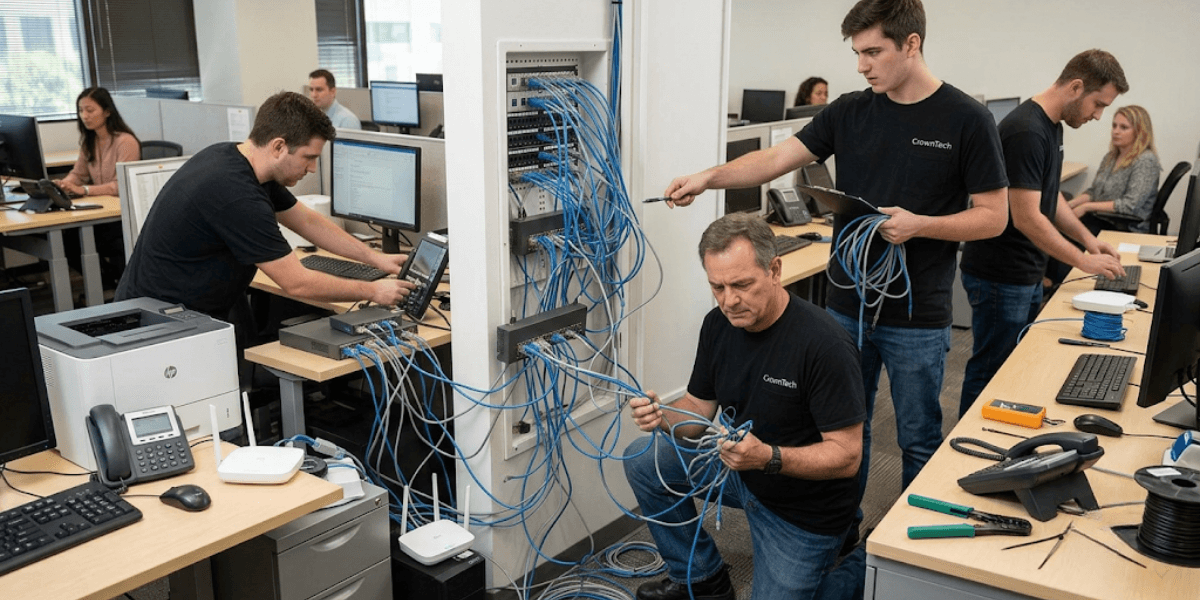
One of the easiest methods for determining how many desks to purchase for data drops is simply to add a few more desks to the total number of desks. This calculation doesn't take into account how modern offices actually work.
The Technical Consequence
When an office runs short on wall jacks, employees find their solution: consumer-grade mini-switches daisy-chained under desks. Such unmanaged switches create a loop, introduce unwanted points in the network, introduce vulnerabilities, and carry a lot more traffic than the upstream managed switch would have ever wanted. In the end, one person's workaround is every person's problem.
The Coverage Area
A proper office network installation must account for every connected device in the space, not just employee workstations. For VoIP phones, smart AV systems in conference rooms, multi-function printers, IP cameras, and dedicated Wi-Fi access points (WAPs), structured drops are required.
This, of course, is the difference between a business that can grow and one that will struggle from day one if it opts for a structured cabling Mississauga or data cabling Toronto solution. Skipping this step during planning is one of the most common and avoidable mistakes in any office network installation.
4. Weak Documentation (The "Blind Troubleshooting" Nightmare)
The Mistake
Unlabeled patch panels. Unlabeled wall outlets. No topology map. No “as-built” drawing that indicates where the port is connected to the drop. This omission is one of the most common oversights in rushed installations and one of the most expensive.
The Technical Consequence
If one workstation fails to connect, IT personnel do not have a way to pinpoint the problem to the patch panel without a map. What should be a five-minute cable swap turns into hours of a technician manually toning out every unlabeled line across the floor, with operations at a standstill.
The Operational Impact
Downtime in a corporate office is not just inconvenient. It is measurable in lost revenue, missed deadlines, and frustrated employees. Every hour of avoidable downtime traces back to a documentation decision made on installation day. This is why professional network cabling services always include full as-built documentation as a non-negotiable deliverable, not an optional add-on.
The CrownTECH® Advantage
Throughout each network cabling project, we provide systematic hardware mapping and complete documentation. All the ports are marked. All runs are recorded. Each node in the new office is mapped to the same architecture as the original, and any future IT technician knows exactly where to go.
5. Ignoring Future Scalability (Building for Today, Bottlenecking Tomorrow)
The Mistake
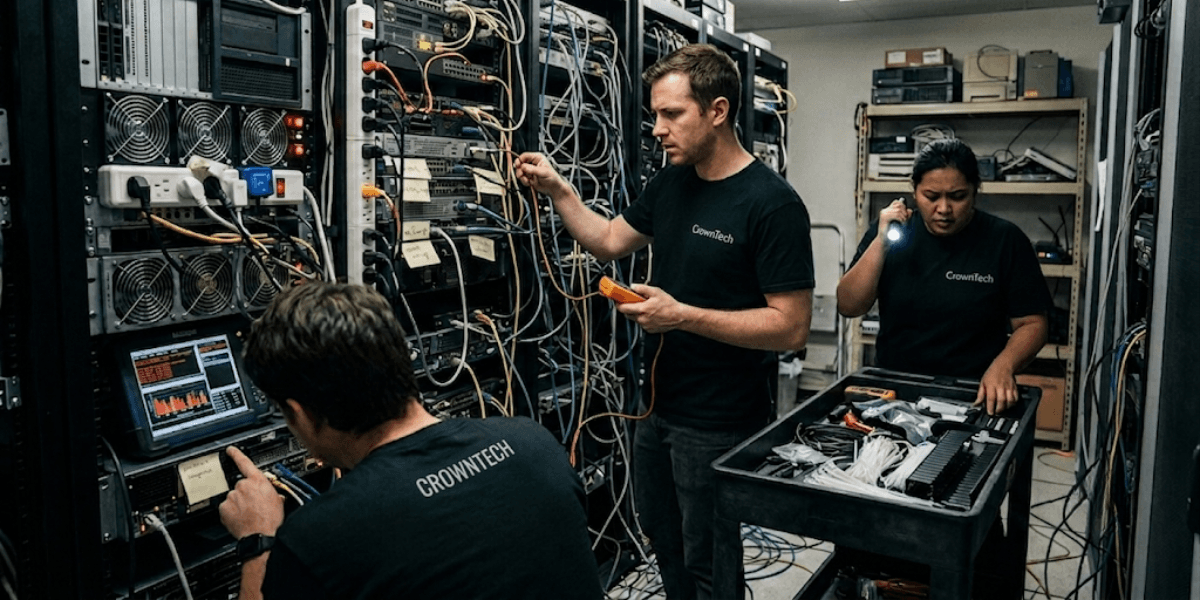
To reduce upfront costs, many office relocations specify the cheapest cable category that meets current needs. The old Cat5e wiring is still prevalent. It's also already a thing of the past for businesses that have any growth plans.
The Technical Consequence
Cat5e has a maximum throughput of 1 Gbps. That 1 Gbps limit is a hard limit as businesses deploy 10 Gbps switches, use data-intensive cloud applications, increase video conferencing, and install PoE devices such as IP cameras and WAPs.
The only fix is a full rip-and-replace of the cabling infrastructure, at full cost and with full disruption, just a few years after the original move.
The Scalability Strategy
Planning an office network for the future means that Cat6 or Cat6a is the first type of cabling to be considered. Cat6a is designed to operate at frequencies up to 500 MHz and provides reliable 10 Gbps throughput for full-length runs. The incremental cost difference at installation time is a fraction of what a premature infrastructure replacement will cost.
In the business world, where technology changes so fast and rapidly, the investment in Cat6a is not an option, especially in data cabling Toronto and structured cabling Mississauga.
The foundation of any network cabling installation is essential for long-term performance. Low voltage wiring contractors who are qualified to install these types of cables will always suggest forward-compatible categories in the design phase, and not only after the design.
Multi-Vendor Chaos vs. The Single-Vendor Solution
THE CORPORATE RELOCATION DILEMMA
| Multi-Vendor Move (General Mover + Independent Cabler) | CrownTECH® Single-Vendor (End-to-End) |
|---|---|
| Disjointed timelines | Integrated workflow |
| Finger-pointing over delays | Single point of contact |
| No post-move IT support | Certified Fluke testing |
| There's a high risk of network lag | Guaranteed zero-downtime |
Why Other Models Fail
The standard moving companies would deal with IT hardware as if it were office furniture. Independent low voltage wiring contractors often lay cable without understanding the broader server migration schedule or the network architecture being rebuilt at the destination. If network cabling is thought of as a "last mile" project instead of a vital component of a relocation plan, then the differences in what vendors offer or don't offer become differences in how well your network performs.
The CrownTECH® Edge
CrownTECH® provides a complete range of network cabling services, including desktop disconnects, physical infrastructure cabling, server room decommissioning and reinstallation, and testing after moves are completed. From data cabling Toronto high-rises to structured cabling Mississauga corporate campuses to multi-floor office network installation throughout the GTA, we take care of it all as one single project.
Every installation is validated with certified Fluke testing; it is not assumed to be working until proven otherwise.
Conclusion
When the internet connection is slow at a new office, it is not a coincidence. It is a predictable result of network cabling choices that are made in the installation process, but that are invisible until they become expensive. EMI from poor routing, signal degradation from bend radius violations, network congestion from under-specified drops, hours of downtime from missing documentation, and infrastructure replacement from outdated cable categories: all of these are avoidable. None of them fix themselves.
We don't need to use "get it working" as the goal for a new office network. Build it right, document it thoroughly, and keep it forever with certified network cabling services that take the infrastructure as seriously as the move.
Don't let office network installation oversights slow down your business on day one. Contact us today to schedule a comprehensive on-site assessment.
Book Your Free Relocation Consultation
Contact us today to request a free consultation and secure a zero-data-loss, interruption-free transition.
Request Free Consultation →