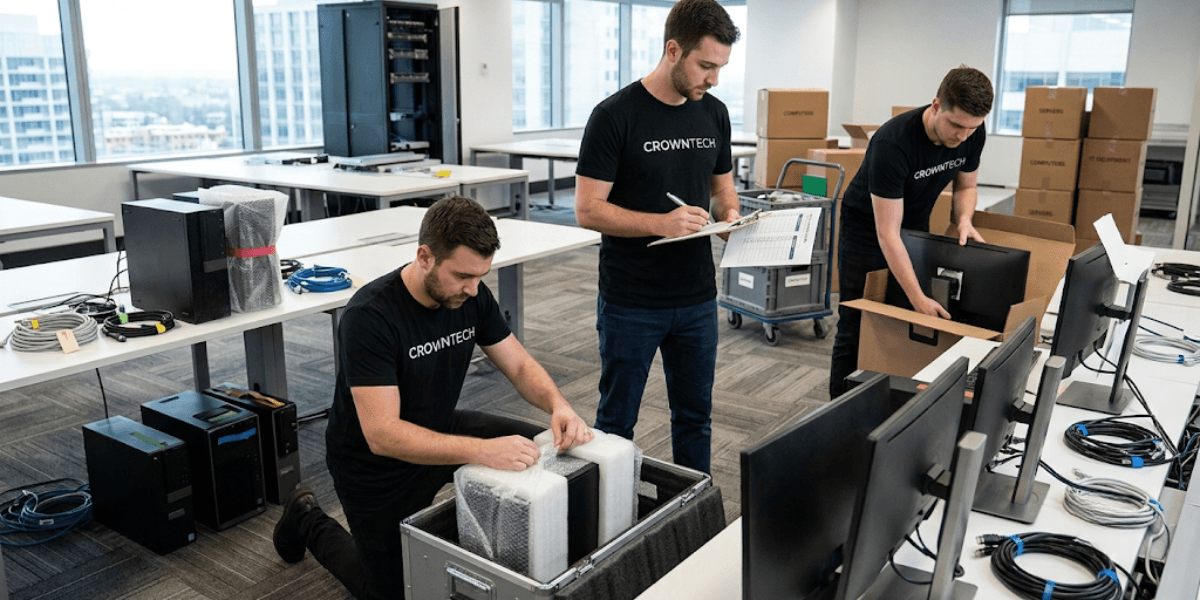
It is easy to move office desks and office chairs. Moving your entire digital infrastructure is a high-stakes operation with real financial consequences. One misplaced cable, one damaged server, or one unconfigured firewall can cost thousands of dollars in operating time, not to mention lost productivity, missed deadlines, and frustrated employees showing up Monday morning with nothing to do.
This blog is built for project managers and business owners who need a clear, phase-by-phase IT office relocation checklist, not a vague overview but an actionable timeline covering every critical step before, during, and after moving day. Some businesses resume operations on Monday morning, while others spend the first week recovering from a failed IT office relocation. And that's where a structured IT office relocation checklist comes into play.
The best investment a business can make when considering a relocation is to hire professional computer relocation services at the outset of the process to protect its valuable technology assets and reduce the risk of preventable downtime during the corporate move.
If you're planning a corporate move and need professional office IT relocation services , CrownTECH® has been managing complex business IT transitions for over 25 years. This checklist is based on the approach that our experts take to each project.
3-Phase Checklist for a Smooth Business Move
Phase 1: Before the Move: IT Planning & Infrastructure Auditing (3–6 Months Out)
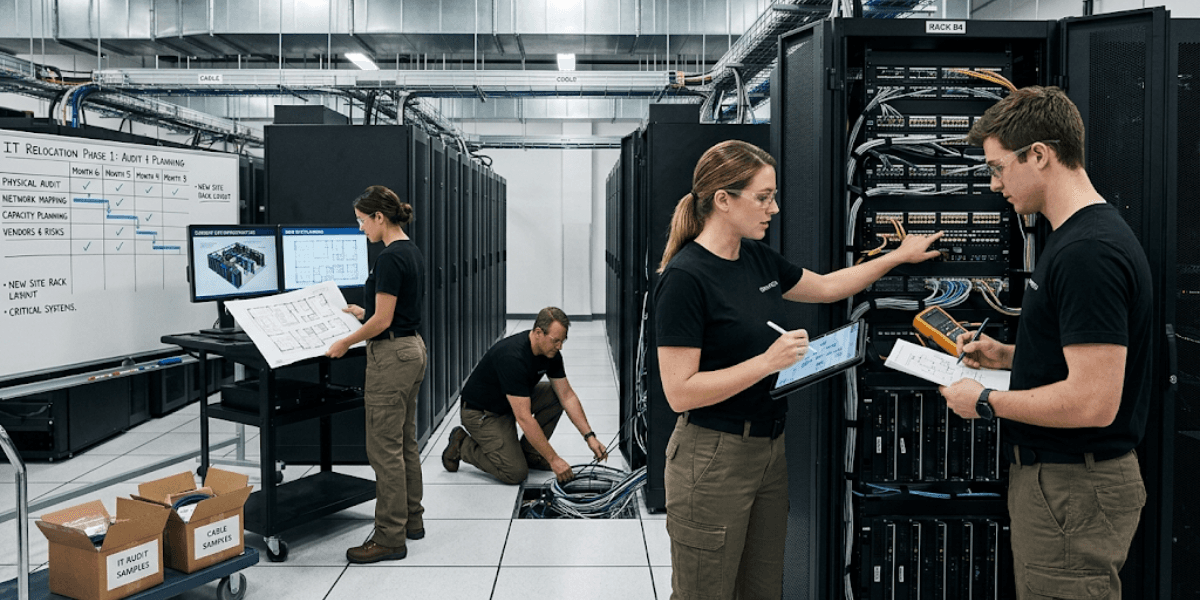
Along with many other issues, the biggest problem in office IT relocations is that businesses don't begin planning in time. The timeframe of three to six months is not too long. It's just what's needed to make the transition without any disruption to operations. Those businesses that plan to use office IT relocation services early in this period regularly have fewer delays, lower costs, and quicker reconnecting times.
1. Conduct a Rigorous IT Asset Inventory & Audit
Before a single box is packed, you need a complete, documented picture of every piece of technology your business owns or leases.
This involves recording all workstations, monitors, peripherals, servers, network switches, UPSes, and more, including serial numbers, warranties, and users. Once documented, categorize each item into one of four buckets:
- Keep: equipment being moved to the new location.
- Upgrade: items that need to be replaced before or during the move.
- Lease-Return: pieces of hardware currently being leased.
- Responsibly Recycle: end-of-life equipment requiring certified e-waste disposal.
An automated IT equipment audit saves weeks of manual tracking time for internal staff and provides an audit trail for insurance and asset management. In the case of computer relocation services, this inventory becomes the basis for ensuring that all the items you moved out of the old office have been delivered safely to the new office.
2. Assess and Design the New Site's Network Infrastructure
Never assume the new office is "move-in ready" from an IT perspective. Conduct site visits well before moving day to assess physical space, rack space, electrical load capacity, and HVAC cooling capacity in the designated server room.
Based on that evaluation, design the low-voltage network, determine the best placement of Wi-Fi access points in terms of floor plan densities, and identify cable paths for structured cabling runs.
There is one of the deadlines that most businesses ignore, and that is contacting Internet service providers (ISPs) early. Fibre optic circuit installations typically take 30-60 days. If you don't initiate that process months in advance, you risk moving your entire team into a new office with no internet connectivity on day one.
Pro Tip for Project Managers: Do not leave your structured cabling installation to standard office movers. A low-voltage cable installation must be certified and tested before any computer equipment is transported to the new site. It only makes things more chaotic and unworkable to try to install cabling around workstations after the fact, and it also costs more to repair than to properly install it the first time.
3. Blueprint Data Protection and Backup Workflows
A hardware failure during transport is unlikely but possible. The risk is not 'zero,' and the impact of losing production data during the move is very significant.
Set up a backup plan for the weeks leading up to the move. Before shutdown, make sure that all core physical and virtual servers are fully backed up to the cloud and verified 48-72 hours before shutdown time. Don't just run the backup; also verify that the restoration works.
Document the precise shutdown sequence for all critical business applications. Some systems may also have some interdependencies that, if removed in the wrong sequence, could lead to data corruption or long reconfiguration times. Having a written shutdown procedure eliminates guesswork under pressure. It's an essential part of any IT office relocation checklist.
Phase 2: During the Move: Secure Disassembly & Safe Transit (Moving Weekend)
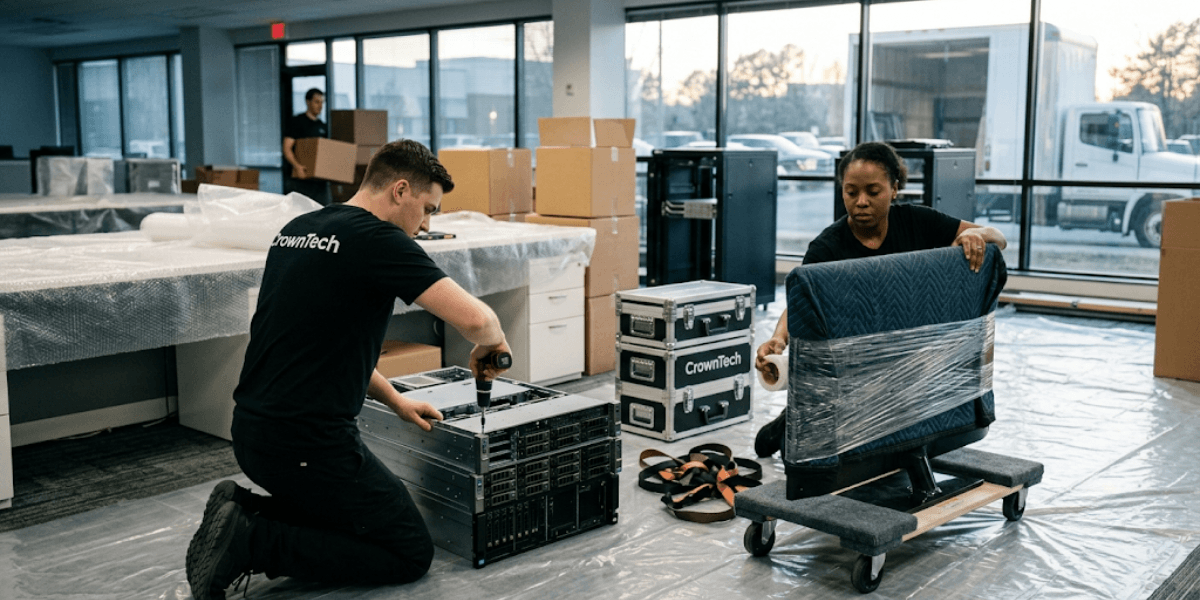
This phase is where a lot of IT migrations go wrong. Equipment is fragile, technicians are working under time pressure, and the margin for error is small. The most common issues companies face when they use general movers rather than dedicated computer relocation services include hardware damage, mislabeling, and reconnection delays.
1. Execute Systematic Hardware Mapping & Labelling
If the teardown is disorganized, then it creates a chaotic setup. Before any cables are disconnected, implement a colour-coded labelling system that links every computer, peripheral, and dual-monitor configuration directly to its assigned desk position on the new floor plan.
It's not just about efficiency; it's about getting rid of the time-consuming guesswork of knowing which laptop dock goes with which user or which patch cable with which switch port.
Use anti-static bags for sensitive parts and specially designed bins for individual sets of cables. One of the most frequent causes of delays during reconnections is loose, mixed cables.
2. Secure Server Migration and Environmental Transport
Unlike commercial movers, server migration services demand a level of care and attention that commercial movers do not offer. Servers must be decommissioned to be physically secure in special transport frames and shipped in climate-controlled vehicles fitted with air-ride suspension.
It is not a luxury; it's a necessity. Normal truck suspension creates vibration levels that can lead to hard drive read/write head crashes or component warps in densely mounted rack-mount equipment. One damaged server can set recovery timelines back by days.
The environment inside the transport vehicle matters as well. When unloading/loading the server, the temperature swing can cause condensation in the server chassis, especially in Canadian winters. Computer relocation services professionals address these issues with climate-controlled moving trucks and controlled acclimatization procedures when they arrive.
3. Leverage Off-Hours and Weekend Support
The physical teardown should begin Friday evening, after business hours close. This allows the relocation crew to disassemble, load, and move equipment from their current locations and set up a preliminary connection throughout the weekend so that all workstations are ready for Monday morning's session.
Being moved during a working day brings in additional risks: employees get disrupted, technicians are working on active users, and the move takes longer than expected. Off-hours execution isn't an optional feature; it's a logistics discipline.
We have weekend and night-shift support teams in place with the sole goal of making sure the business keeps running.
Phase 3: After the Move: Reconnection, System Testing & Deployment (Day 1 Ready)
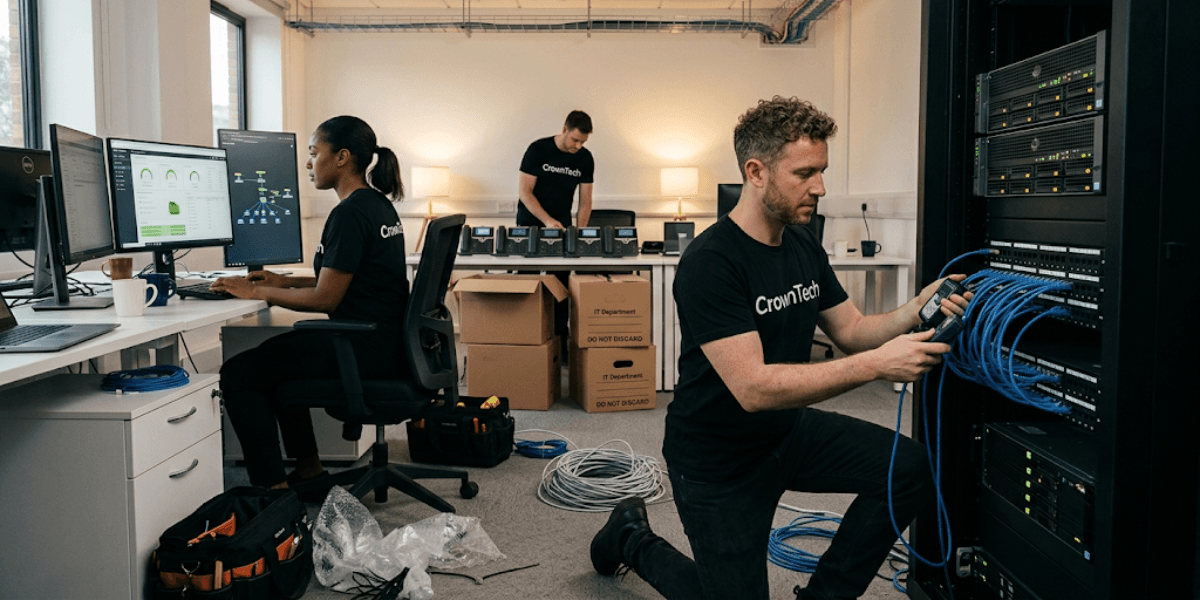
1. Workstation Reassembly & Cable Management
Reconnection is not simply plugging things back in. Every workstation should be reassembled to replicate the user's original setup exactly; monitor positions, peripheral placement, and hardware dock configurations should match what users had before the move. Familiarity reduces adjustment time and help desk calls on the first day back.
Once workstations are assembled, implement strict under-desk cable management. This task is frequently treated as an aesthetic choice; it isn't. Disorganized cabling creates physical trip hazards, makes future IT troubleshooting significantly more difficult, and shortens the lifespan of cables under repeated physical stress.
2. Comprehensive System and Network Testing
Before any employee sits down at their desk, every system must be tested.
Run through the following verification checklist without shortcuts:
- Internet access at all workstations.
- Wi-Fi coverage confirmed across all zones of the new floor plan.
- Firewall integrity and security rules validated.
- Connectivity and call routing with VoIP desk phones.
- Network printer and localized scanner access.
- Remote worker VPN routing and authentication.
- User login permissions and database access rights.
Record all test results. Any problem that is found at this stage is much more cost-effective to correct before the employees are hired than after they begin to use the machine and encounter the issues.
3. Professional Post-Move Hardware Detailing
Physical relocation kicks up dust and debris inside server racks, inside workstation chassis, and across monitor surfaces. All computing equipment needs to be cleaned and checked before it is returned to the staff. The dust accumulation within computer servers can cause a loss of cooling efficiency and eventually result in the failure of components.
This step is often skipped as an unnecessary detail. It's not. It's part of delivering a complete, professional result.
Don't Risk Costly Business Downtime: Partner with CrownTECH®

Your internal IT team is already operating at capacity and supporting the day-to-day operations of your business. In addition to their workload, forcing them to manage the logistics of a full-scale relocation of their office IT infrastructure puts them in a situation they wouldn't be in if they had a dedicated, professional team to handle the task.
Professional office IT relocation services are available because of the high stakes and specialized nature of the execution. This work requires expertise and dedicated resources that most internal IT teams simply don't have at their disposal, ranging from certified structured cabling installation at the new site to server migration services with climate-controlled transport and systematic workstation reassembly and post-move testing.
Computer relocation services from CrownTECH® cover the full scope of the project planning, execution, and post-move verification, ensuring that nothing is missed and your business continues to run without interruption.
Conclusion
A successful office computer relocation is the result of methodical planning, disciplined execution, and thorough post-move testing. The three-phase approach to the IT office relocation checklist (planning and auditing 3-6 months before the move, executing the move securely over the weekend, and verifying the system fully before day one) provides a clear outline for project managers, eliminating the most common and costly mistakes.
From professional computer relocation services to certified structured cabling installation, trusted office IT relocation services to fully managed server migration services, we provide transitions without any downtime.
Visit our website to request a custom project quote.
Book Your Free Relocation Consultation
Contact us today to request a free consultation and secure a zero-data-loss, interruption-free transition.
Request Free Consultation →