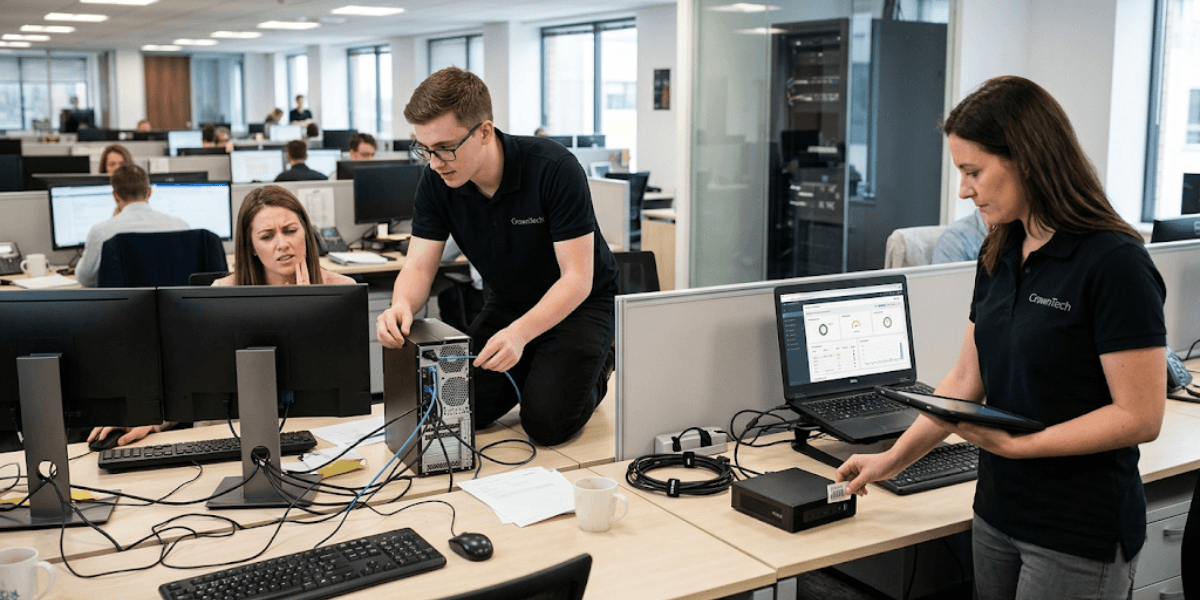
Effective desktop management requires overcoming hardware, security, and software obstacles. The top 10 desktop management challenges include software deployment delays, patch management gaps, security risks, remote support friction, and asset tracking blind spots, all of which you can resolve using automated tools and clear endpoint policies.
Introduction
In the age of hybrid working across North America, the management of modern business endpoints has grown more complex and multi-layered beyond what many local IT team members are accustomed to handling in the office. What once required a single technician walking the office floor now demands cloud-based tools, real-time monitoring, and enterprise-grade security at every level of the organization.
The consequences of falling behind are very real. Inadequate desktop management leads to security threats, frequent downtimes, disgruntled workers, and high operational costs. These are also potential compliance violations and fines for regulated industries, like banking, law, and medicine.
For businesses operating across the Greater Toronto Area, the demand for secure and reliable endpoints is especially high, as the region is a competitive and compliance-focused space, making it a critical decision to choose reliable managed IT services Toronto providers.
Fortunately, each of these challenges can be solved in a systematic way, with the help of structured desktop management solutions and proactive MSP support. The following breakdown covers the 10 most common desktop management pain points and a step-by-step guide to solving them, providing your IT team with the path to secure endpoint management and business continuity.
Top 10 Desktop Management Challenges (And Their Solutions)
1. Managing Remote and Hybrid Workstation Environments
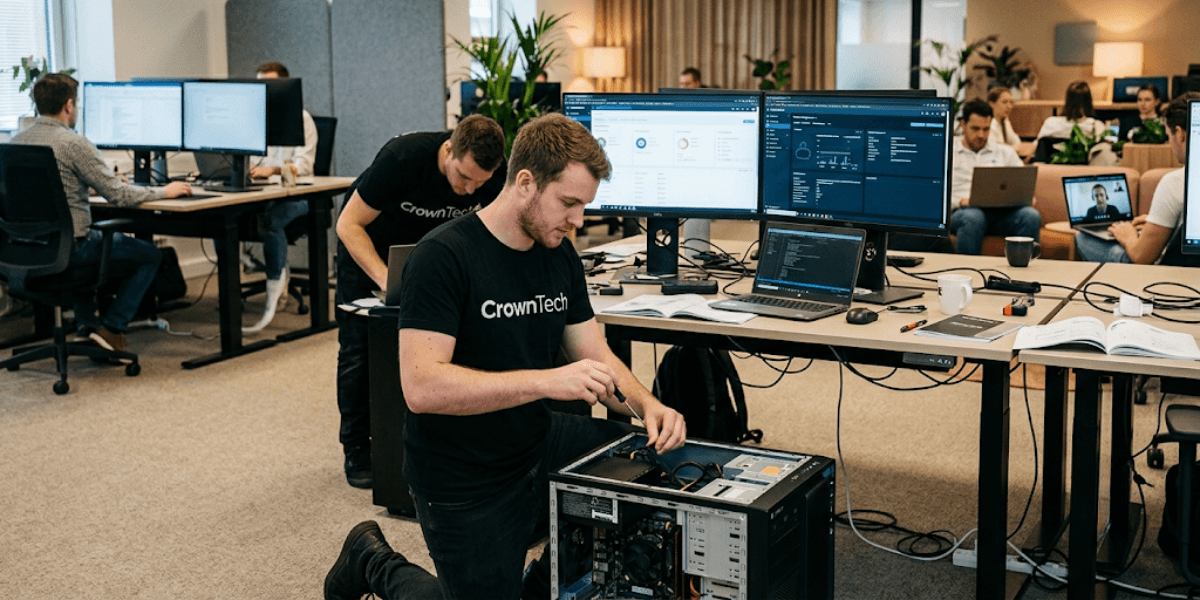
➢ The Challenge: Hybrid and fully remote workforces create many control gaps. When networking devices can't be physically connected to the network, IT teams face a host of unpredictable network fluctuations, unsupported configurations, and BYOD (Bring Your Own Device) security challenges that perimeter-based security just can't keep up with.
➢ The Impact: Unmonitored devices are easy targets for malware, credential theft, and unauthorized access, particularly when employees are accessing networks from their homes or public Wi-Fi.
The Solution
- Use cloud-based Unified Endpoint Management (UEM) solutions, like Microsoft Intune, to enforce policy across all endpoints regardless of location.
- Implement Zero-Trust Network Access (ZTNA) and Secure Web Gateways (SWG) to require validation for all connection requests by default.
- Utilize Remote Monitoring and Management (RMM) platforms for real-time device visibility, health checks, and remote remediation without requiring a physical on-site visit.
2. Inconsistent Software Patching and OS Update Management
➢ The Challenge: Regularly, employees delay software updates, sometimes indefinitely, by clicking "remind me later." This results in version fragmentation of the fleet and vulnerable known issues that cannot be patched for weeks or months.
➢ The Impact: Cybercriminals are exploiting known OS and application vulnerabilities. A top cause of effective ransomware or data breach attacks is unpatched endpoints.
The Solution
- Automate patch management schedules through centralized IT orchestration tools to remove the human delay from the equation.
- Regularly scan for vulnerabilities and compliance audits to ensure that critical patches are implemented on the entire endpoint fleet.
- Run test patches in an isolated “sandbox” setting before rolling them out organization-wide to avoid outages that could result from deployment.
3. Rising Endpoint Security Threats & Malware Attacks
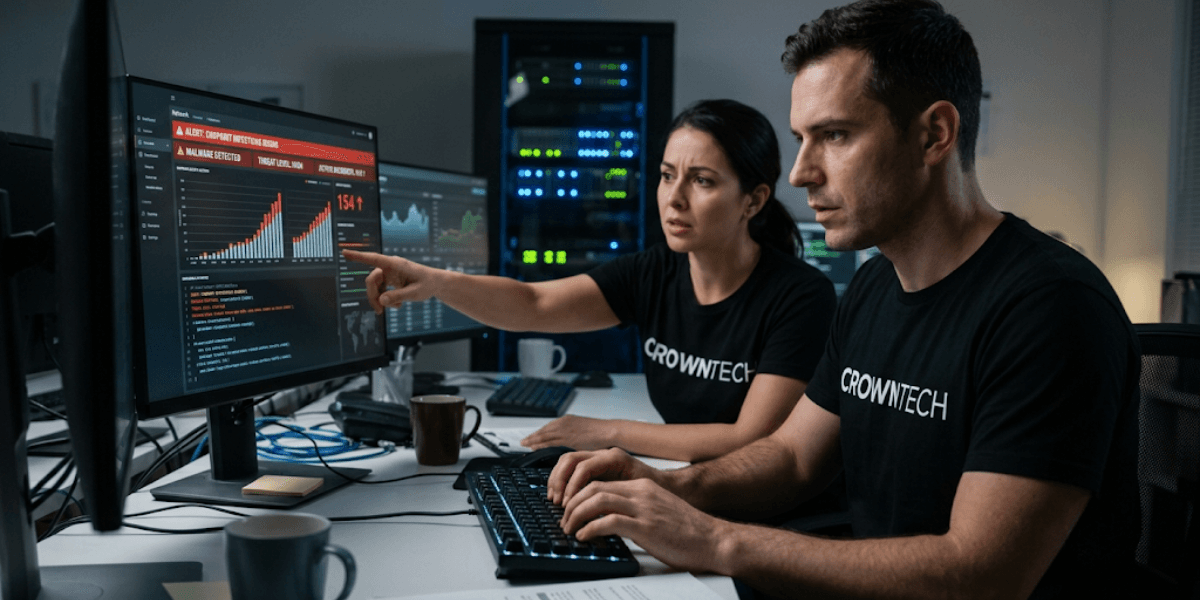
➢ The Challenge: Desktops are still the main points of entry for ransomware, phishing campaigns, and malware attacks. Threat actors are becoming more and more advanced, and traditional antivirus (AV) methods are not enough.
➢ The Impact: If one endpoint is compromised, so are others, leading to data breaches, downtime, damage to reputation, and regulatory fines, especially under standards such as PIPEDA or HIPAA.
The Solution
- Set up Endpoint Detection and Response (EDR) or Managed Detection and Response (MDR) for continuous threat detection and automated responses.
- Enable Multi-Factor Authentication (MFA) and full disc encryption (e.g., BitLocker) for all managed endpoints.
- Implement ongoing security awareness training to grow a culture in which employees can spot and report any phishing attempts before they escalate.
4. Poor IT Asset Tracking & Hardware Lifecycle Management
➢ The Challenge: When hardware is not managed in a centralized inventory system, IT teams often lose visibility into hardware specifications, device ages, warranty expiry dates, and the physical location of assets across distributed offices.
➢ The Impact: This can lead to buying extra equipment, paying for equipment failures at the wrong time of the day, and security issues due to old equipment running outdated operating systems.
The Solution
- Automated, real-time IT Asset Management (ITAM) database to reveal the details of hardware assets and their life cycle status on demand.
- Have a certainty of a hardware refresh every 3 to 4 years to keep ahead of failure curves and OS support deadlines.
- Have regular hardware health checks that can identify failing drives, battery degradation, or overheating hardware before it becomes a problem.
5. Shadow IT and Uncontrolled Software Licenses
➢ The Challenge: When employees download unauthorized third-party applications to fill workflow gaps, it creates "shadow IT," a growing ecosystem of unvetted tools that the IT team has no visibility into, alongside unused and duplicated software subscriptions draining the budget.
➢ The Impact: Shadow IT can mean software compliance issues, unanticipated licensing fees from audits, and even security backdoors through poorly managed software.
The Solution
- Follow the least privilege access model; avoid giving administrative privileges to avoid the possibility of unauthorized software installations from the start.
- Implement application whitelisting to restrict installations to IT-approved tools only.
- Conduct quarterly software license audits to identify idle licenses that can be reallocated or cancelled.
6. Excessive Desktop Downtime & Slow Performance
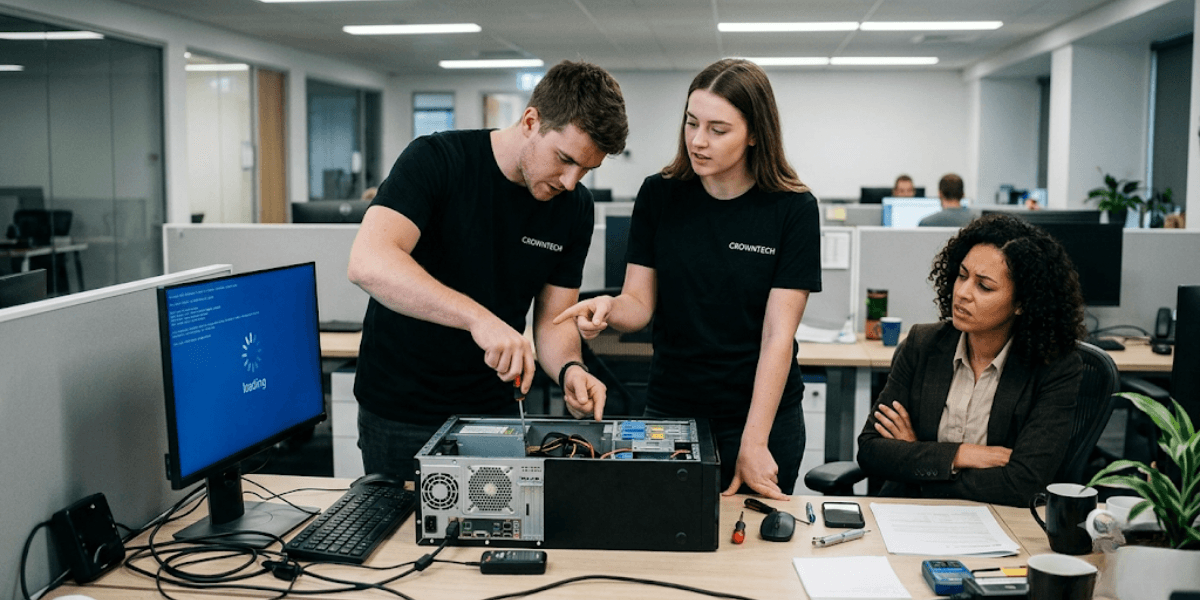
➢ The Challenge: Slow startup times, corrupted operating systems, fragmented storage, and bloated background applications are among the most common productivity killers reported by end users, yet they are frequently reactive rather than proactively managed.
➢ The Impact: Lost desktop hours equals lost productivity, lost deadlines and quantifiable revenue loss, particularly in the billable-hour industry.
The Solution
- Ensure that all hardware used by the organization is standardized, such as using SSDs instead of hard drives and having a minimum of 16GB RAM to avoid performance bottlenecks at the hardware level.
- Deploy background optimization scripts to automatically clear temporary files, cache, and unauthorized startup programs on a scheduled basis.
- Use RMM (remote monitoring software) to proactively track system metrics like CPU utilization, RAM usage, and disc health to detect any signs of deterioration before it causes a complete breakdown.
For organizations that don't have the internal bandwidth to monitor these metrics consistently, outsourcing to a managed desktop services provider is a practical and cost-effective alternative to building that capacity in-house.
7. Overwhelmed IT Support Helpdesk & High Ticket Volumes
➢ The Challenge: A great deal of time is often spent by internal IT teams on fixing low-level, repetitive problems that can easily be solved in-house, such as password resets, connectivity with printers, slow PCs, and driver updates. This creates a bottleneck that delays resolution of genuinely critical issues.
➢ The Impact: Slow ticket response times for the business, impacting outages and high levels of burnout for internal IT staff, especially in lean IT departments.
The Solution
- Deploy self-service password reset tools and a searchable internal knowledge base so end users can resolve common issues independently.
- Collaborate with a co-managed or fully managed IT help desk, like CrownTECH, to manage tier-1 and tier-2 help desk needs and free internal resources for strategic projects. projects.
- Automate standard ticket workflows using AI-driven helpdesk systems that can triage, categorize, and route requests without human intervention.
8. Inadequate Endpoint Data Backup and Disaster Recovery
➢ The Challenge: There are still organizations that permit employees to keep vital information on their local desktops instead of cloud-based servers or on the cloud. This practice is a significant operational risk that is often invisible until it becomes a crisis.
➢ The Impact: If the data is lost because of hardware theft, accidental damage, ransomware virus or drive failure, there is no data backup available, and it can be permanently lost.
The Solution
- Set up automatic, real-time endpoint backup solutions (OneDrive or cloud backup services) to safeguard local data.
- Apply the same data retention and storage policies to all workstations using group policy or UEM profiles.
- Test data recovery procedures on a regular schedule to validate Recovery Time Objectives (RTO) and ensure that your team can perform the recovery when necessary.
9. Non-Standardized OS Images and Deployment Bottlenecks
➢ The Challenge: Adding a new employee to the office requires manual installation of software, application settings, and configurations and can be time-consuming, repetitive, inconsistent, and prone to mistakes during each deployment.
➢ The Impact: Slow employee onboarding, inconsistent system configurations across departments, and excessive IT overhead that doesn't scale.
The Solution
- Standardize OS imaging using zero-touch deployment tools such as Windows Autopilot or Apple Business Manager, enabling new devices shipped directly to employees and self-configured on first login.
- Keep base configuration profiles assigned to specific job roles within the organization to make sure each sales rep, each developer, or each executive has the right tools and access they need from the start.
10. Rising Operational Costs and Scalability Limits
➢ The Challenge: Maintenance of endpoints becomes more expensive and more complicated as your organization grows. Adding more employees in the IT department, buying new tools, and keeping infrastructure up to date tend to exceed budget estimates.
➢ The Impact: Unpredictable IT costs make it difficult to plan budgets, and internal teams are overworked and struggling to keep up service levels.
The Solution
- Move from a reactive "break-fix" model to a level-fee, predictable managed services arrangement that provides constant costs irrespective of ticket volumes.
- Take advantage of cloud-based virtual desktop infrastructure (VDI) like Azure Virtual Desktop to rapidly scale up and down endpoint provisioning without a significant capital investment in new hardware.
Master Your Desktop Management Strategy with CrownTECH
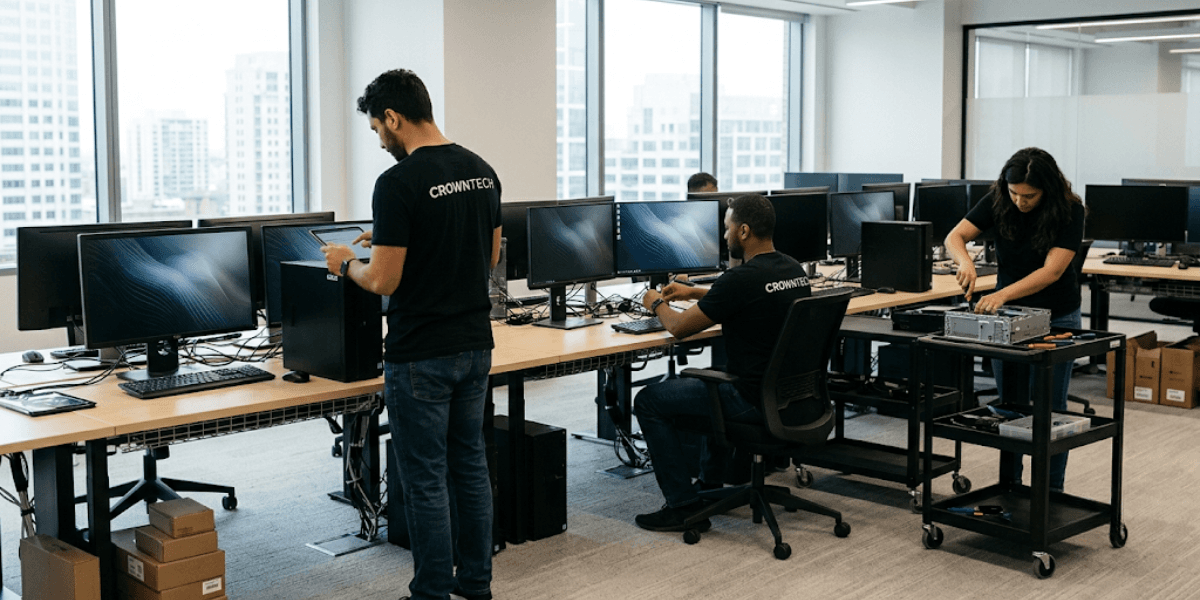
Managing endpoints effectively shouldn't divert your team's focus away from your core business objectives. Whether you're dealing with security gaps, performance issues, or the complexity of a distributed workforce, the right partner can make the difference between reactive firefighting and structured, scalable IT management.
We provide the full range of managed IT services Toronto businesses need, from end-to-end desktop management, automatic software updates and patches, and enterprise-class cybersecurity solutions to tracking IT assets. Our approach is built around proactive monitoring, standardized processes, and a dedicated support team that understands the specific challenges of modern hybrid work environments.
Our comprehensive desktop management solutions are designed around proactive monitoring, standardized deployment processes, and a dedicated support team that resolves issues before they reach the end user.
Conclusion
Desktop management is no longer a background IT function; it's a core operational discipline that directly affects your security posture, employee productivity, and bottom line. The 10 challenges listed above are the most frequent that businesses suffer as they grow, and each one has an obvious and well-known solution.
The key is to move from reactive to proactive: implementing automation, creating policies, and working with a trusted MSP partner who will expand your IT capabilities without extending your headcount.
Whether you need targeted desktop management solutions for a single pain point or full-scope managed desktop services across your entire endpoint fleet, the right strategy begins with a genuine assessment of where your current gaps lie. Schedule an IT infrastructure audit with us today.
Book Your Free Desktop Management Consultation
Contact us today to request a free consultation and optimize your desktop management strategy.
Request Free Consultation →