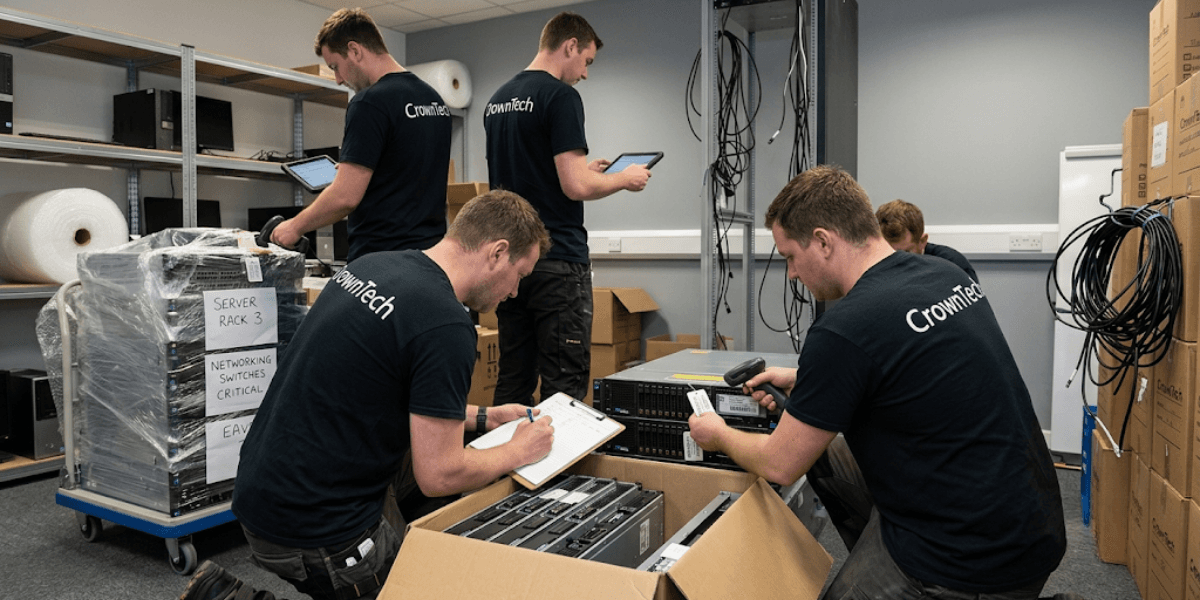
Building an IT asset relocation inventory requires a 5-step process: (1) Scope & Interdependency Mapping, (2) Physical Audit & Asset Tagging, (3) Data Capture & Destination Mapping, (4) Chain-of-Custody Tracking, and (5) Post-Move Reconciliation. Documenting dependencies, cabling, and target rack/desk locations before moving prevents lost hardware and costly downtime.
IT asset relocation is not simply the physical act of moving hardware from one building to another. It is a step-by-step, carefully executed process that relies on record-keeping of all devices, cable connections, dependencies, and endpoints before one piece of equipment is removed from the network.
Moving hardware is a complex process with network, data centre, and employee workstation interdependencies. Outdated Configuration Management Databases (CMDBs) and informal spreadsheets frequently fail under the pressure of a live move, leading to lost assets, mislabeled equipment, and extended downtime that could have been avoided.
The answer to that is a comprehensive IT office move checklist based on a step-by-step inventory framework that audits, tags, maps, and reconciles all IT assets throughout the move.
CrownTECH brings over 25 years of enterprise IT asset relocation experience, having executed zero-data-loss, minimal-downtime migrations across the Greater Toronto Area and beyond. The framework in this blog is based on that level of operation.
Why an Accurate IT Inventory Is the Backbone of IT Asset Relocation
The IT relocation inventory is no formality; it is the stepping stone to a successful IT relocation. If it is not, teams are going to negotiate a physical transition without full information, raising the risk of mistakes along the way.
Whether you are managing a full data centre relocation service or a straightforward IT office relocation, the risks of skipping a structured inventory process are identical.
The Financial and Operational Risks of Missing Hardware
Cost of Downtime
A major and common problem that costs money during an unplanned move is the time it takes to get servers up and running. Without cables, you have no power modules, and without rack positions, you can't reinstall. Each hour of delay translates directly into lost productivity, missed SLAs, and frustrated stakeholders, all of which a thorough IT office move checklist is designed to prevent.
Security & Compliance Breaches
Mobile units with sensitive information or unaccounted hard drives pose significant regulatory risks. A loss of hardware in transit is a breach scenario for organizations that have to comply with the GDPR, HIPAA, or PIPEDA guidelines. An accurate inventory offers a chain of custody that can be audited to guard against operational and legal liability issues.
Replacement Costs
Emergency hardware purchases are costly and disruptive. Accessories that are missing or lost during transit, like SFP transceivers, power bricks, and mounting kits, can go unnoticed until the re-installation team arrives and notices the accessory is missing. This is where the procurement process can take several hours or days to recover.
Beyond Physical Assets: Mapping Infrastructure Dependencies
Application & Database Mapping
One of the most common reasons for application failure after moving is moving Server A without documenting its dependency on Server B (Database Server). Every server-to-server and server-to-application connection should be registered and taken into account when creating the sequence plan before any hardware is detached.
Network Topology Continuity
Network connectivity must be restored by installing switches, routers, and firewalls in the correct physical order. The reinstallation team must build the network from memory, which is a major risk in any production environment, if the topology is not mapped before the move.
Step-by-Step Framework: Building Your IT Relocation Inventory
[Phase 1: Pre-Audit & Mapping] ➔ [Phase 2: Tagging & Capturing Data] ➔ [Phase 3: Transport & Custody] ➔ [Phase 4: Reconciliation]
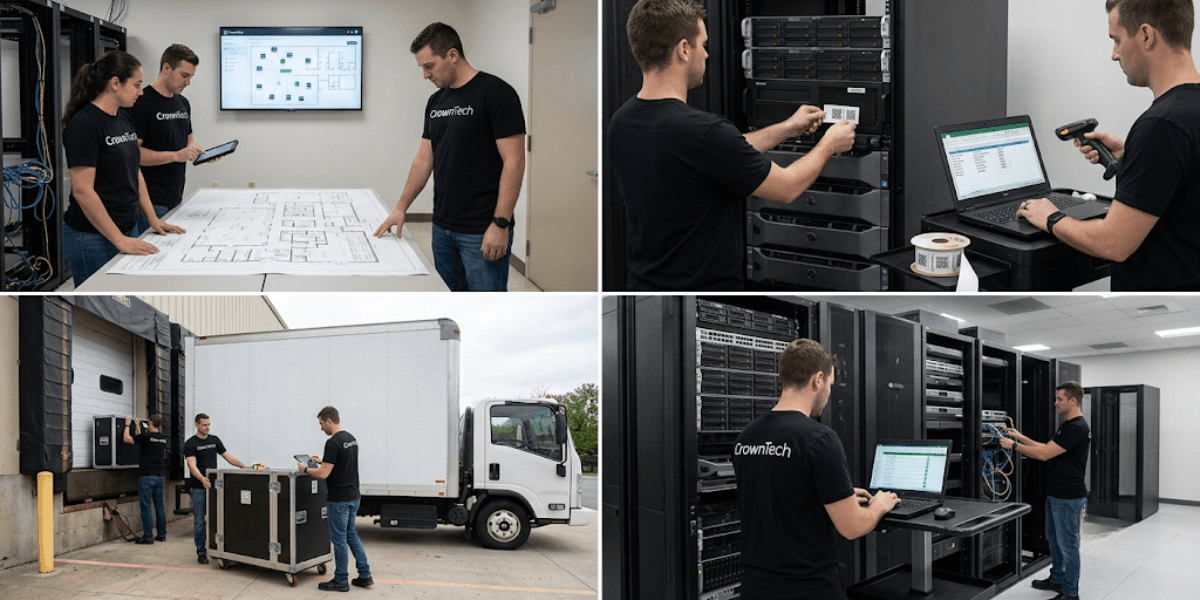
Step 1: Conduct a Comprehensive Pre-Move Infrastructure Audit
The audit is the starting point for everything that follows. Combine automated network discovery software and agent-based scans that enumerate active devices with manual physical visual checks to ensure nothing is missed. This applies equally to a single-floor IT office relocation and a full enterprise data centre relocation service.
Automated tools often fail to surface low-voltage infrastructure that is critical to reassembly. Your audit should include a detailed consideration of the following:
- Server rack rails and mounting kits.
- Fibre optic interconnect cables and SFP/SFP+ transceivers
- Power Distribution Unit (PDU) power cords and UPS batteries.
- Connecting patch panels and custom-length cables.
These items are frequently missed because they don't appear in the CMDBs or asset management systems. However, if they are not there on move day, then it may take hours to reinstall.
Step 2: Implement Physical Asset Tagging and Standardized Labelling
- Tagging Protocols
All hardware servers and desktop docks must be assigned a scanable QR code or barcode tag before being moved. The tags must be tied to an Asset ID that is unique to the asset, and can then be tracked from scan-in to scan-out during the move. - Color-Coded Destination Labelling
Assign physical colour labels according to the target floor, department, or server rack. This enables the receiving and reinstallation team to install equipment properly without depending on verbal instructions or memory. Critically, label both ends of every power and data cable. This ensures that this will be the same when reassembled and there will be no need for guesswork when re-cabling. - Hardware Mapping
Record the following details for peripherals that match specific workstations: monitors, docking stations, power bricks, and user IDs. This level of detail prevents equipment mix-ups and ensures employees return to a fully functional workstation without IT intervention.
Step 3: Document Destination Rack and Desk Positions (Destination Mapping)
Moving equipment to a vague "new location" can lead to confusion. This is the case with all of the assets in the inventory; they all have to have an exact pre-assigned destination before the start of the move, something that experienced IT equipment movers take as a non-negotiable standard.
- Server/Network Equipment
Assign a specific rack ID and rack unit location to each server and network device. For example: Rack 04, U12–U14. Include the target switch port destination so the re-cabling team can execute without referencing additional documents. - Desktop Infrastructure
Map each workstation to a specific desk or cubicle number on the floor plan developed during space planning. Familiarize an employee on the first day of his or her new job with the equipment that is already ready.
Step 4: Establish Chain-of-Custody Tracking
Define clear "hands-off" between operations during the move:
Decommissioning Team ➔ Packing Team ➔ Transit/Mover ➔ Receiving Team ➔ Re-installation Team
Have physical sign-off(s) or a digital scan log at each handoff. This will eliminate accountability gaps and will give evidence of the location of every asset at every stage of the transfer process. Utilizing the services of certified IT equipment movers that follow structured handoff procedures will significantly cut down the danger of loss or damage in the course of transit.
Essential Data Fields for Your Relocation Inventory Matrix
A comprehensive inventory matrix collects the proper information elements to assist in each step of the relocation process. At minimum, your IT asset relocation inventory should include:
| Inventory Field | Why It Is Critical |
|---|---|
| Asset ID / Serial Number | Avoids confusion when installing identically named hardware models |
| Current Location (Room, Rack, U-Position, Desk ID) | Baseline for pre-move audit verification |
| Destination Location (Facility, Room, Rack, U-Position, Desk ID) | Makes sure equipment is delivered to the proper setup site |
| Interdependency Tag (Boot Priority Tier) | Establishes the precise sequence for shutdown and startup |
| Cable / Port Map ID | Guarantees seamless re-cabling without network topology errors |
| Custody Owner / Lead | Ensures chain of custody throughout transit |
| Condition Notes | Protects against liability for pre-existing damage vs. move damage |
It is especially important to have condition notes before shipment. They shield an organization and the IT equipment movers from any prior conflicts over damage before the move.
Common Pitfalls That Cause Lost Equipment (and How to Prevent Them)
Pitfall 1: Failing to inventory peripheral hardware and mounting kits
Fix
Include rack ears, power cords, and dongles as child assets linked to the parent server in your inventory software. It is important to remember that if it is connected to a device, then it is in the inventory.
Pitfall 2: Relying on outdated CMDB records without physical verification
Fix
Do a required "eyes-on" physical inspection 2-4 weeks before move day. It is easy to have records of what is at hand (CMDBs), and it is hard to confirm if they are indeed there physically.
Pitfall 3: Treating inventory updates as an administrative task after the move
Fix
Implement real-time scan-in/scan-out logging during transport and re-installation. The inventory must remain accurate during the move and not be built after the move.
Pitfall 4: Moving shared services without a phased sequence
Fix
Follow a staged approach to the execution of relocations: infrastructure, shared services, department workstations, and workstations last. This sequence will decrease the size of the blast radius for each delay and keep critical systems as long as possible.
Why Choose CrownTECH

Executing a data centre relocation service or a full-scale IT office relocation at an enterprise level requires more than good planning; it requires experience with the real-world complexity that no checklist fully captures. CrownTECH has delivered complex IT migrations across Canada for over 25 years, with a track record of zero data loss and minimal operational disruption.
Whether you need to map your interdependency, need assistance with specialized disconnect/reconnect services, or require full server migration management, we operate as an extension of your internal IT team, bringing process discipline, certified technicians, and the accountability structures that protect your organization throughout the move.
Conclusion
A detailed IT office move checklist can be the difference between a seamless move and a costly, lengthy one. The five-step approach scope and interdependency mapping, physical audit and asset tagging, data capture and destination mapping, chain-of-custody tracking, and post-move reconciliation gives your team the operational foundation to execute any IT asset relocation with confidence.
Don't let missing hardware or disorganized inventory delay your operations. We bring over 25 years of enterprise experience in IT office relocation, data centre relocation service, and end-to-end IT asset relocation across the GTA and Canada. Whether you need interdependency mapping, specialized disconnect/reconnect services, or certified IT equipment movers, we ensure seamless transitions with zero data loss. Contact us today to learn more about us.
Book Your Free Relocation Consultation
Contact us today to request a free consultation and secure a zero-data-loss, interruption-free transition.
Request Free Consultation →