Whenever a laptop freezes, crashes, or runs slowly, your business suffers. Whether it be unpatched software vulnerabilities, slow system response times, or an unexpected cybersecurity breach, there's a lot of ways tech issues can add up, and it costs a Canadian business a lot of money every year in lost billable time, compliance fines and recovery efforts. The impact goes beyond fixing the tech issue; it also means delayed projects, frustrated team members, and lost client trust.
The root cause is seldom a single major disaster. Instead, it’s usually the gradual buildup of overlooked updates, unmonitored endpoints, and a tendency to react rather than proactively manage IT that sets the stage for failure. As hybrid work models become more common across industries, tracking a scattered mix of desktops, laptops, and virtual workspaces gets more complicated, and the resulting security vulnerabilities can have serious consequences.
For organizations across the Greater Toronto Area, partnering with a provider of managed IT services Toronto businesses trust is increasingly the most practical path forward.
The blog examines how a proactive, managed desktop services strategy helps achieve three key business objectives: reducing IT downtime, strengthening endpoint cybersecurity, and increasing employee output.
What is Desktop Management, and Why Is It Essential?
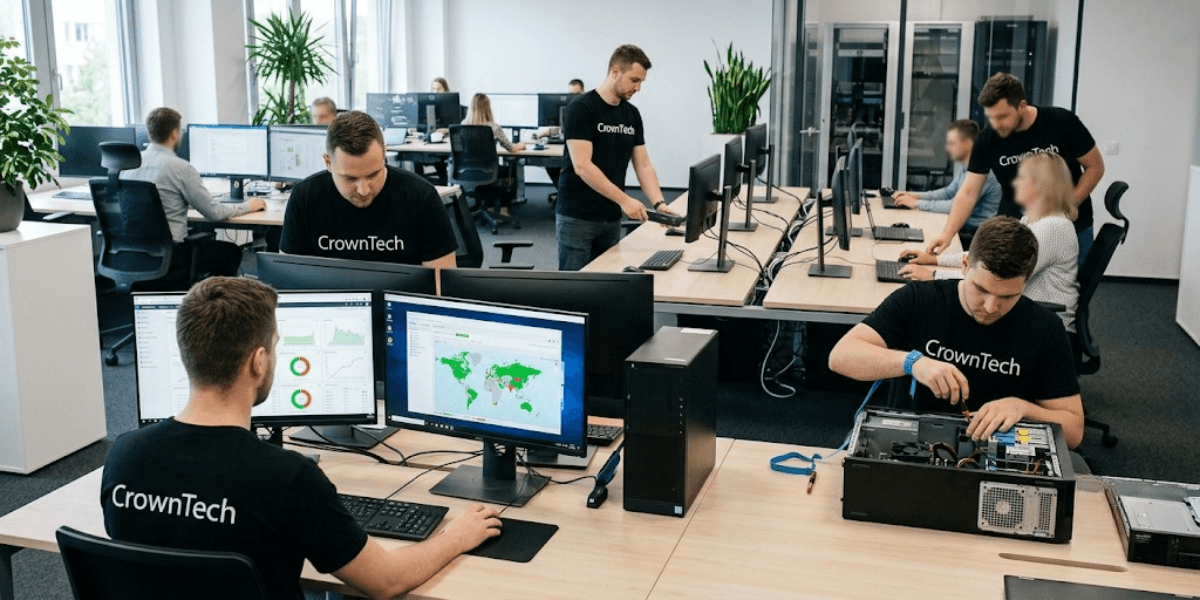
Enterprise desktop management transforms the way IT works from an "after-the-fact" firefighting mode of operation to a mode of operation that focuses on proactive optimization. A robust IT structure can detect vulnerabilities, apply updates and correct performance problems before they disrupt business operations.
Ad hoc / break-fix IT support can lead to increased operating expenses, recovery time and exposure to security threats. By having a structured desktop management program, they can take that chaos out and have a more organized approach. This update provides IT administrators with visibility and control, ensuring everything runs smoothly.
Core Functions of Modern Desktop Management
- 1. Hardware and asset inventory tracking
Maintaining an accurate, real-time record of every device connected to your corporate network, including serial numbers, software licenses, warranty status, and hardware health metrics. Visibility is the foundation of effective IT governance. Without this data, IT teams manage in the dark and can't anticipate hardware failures or track licensing compliance. - 2. Patch and operating system management
Making sure that important OS and application updates are automatically sent out to every workstation is crucial. Manual patching can be inconsistent and can leave your systems vulnerable. With automated patch deployment, you can systematically eliminate those vulnerabilities on a set schedule; this is absolutely essential for any organization that manages sensitive data. - 3. Software deployment and configuration
We need to standardize our workstation builds throughout the organization. This will allow IT teams to quickly deploy the same, pre-approved environments. By streamlining this process, we can minimize configuration errors, prevent licensing discrepancies, and reduce the time it takes to get new devices operational an essential step for organizations that are growing their workforce. - 4. Remote monitoring and support
Enabling IT technicians to fix technical issues in real time without the need for on-site presence is essential. This is especially important for distributed teams; being able to resolve a software conflict remotely in just twenty minutes can save hours of waiting for someone to come out and help.
The Hidden Costs of Poor Desktop Management
Many people overlook the financial impact of neglecting desktop management, but it often only becomes clear when a crisis hits.
Unplanned Downtime
On average, employees waste two to three hours each week dealing with sluggish performance, crashing apps, and waiting for IT support. When you scale that to a team of fifty, the productivity loss becomes a serious operational issue. By investing in managed desktop services, IT teams can gain the automation and oversight they need to tackle these frustrating disruptions before they spiral out of control.
Security Vulnerabilities
It’s concerning that more than half of data breaches are connected to known vulnerabilities on endpoints that haven’t been patched. Once a vulnerability is discovered and published, cybercriminals can exploit it within days if they choose, particularly if important security patches are not installed in a timely manner. That's why a proactive approach to endpoint security management is becoming critical. No longer something that businesses can simply put off, it is now vital in the protection of organizations of all sizes.
Compliance Fines
Because of their poor data protection procedures, organizations are subject to fines for non-compliance with standards such as PIPEDA, HIPAA, and GDPR. Apart from the financial fines, a breach of compliance also harms client relationships and damages the organization's reputation in ways that are hard to recover from. A solid enterprise desktop management program ensures audit-ready compliance documentation stays up to date and easily accessible.
Strategic Pillar 1: How Desktop Management Eliminates Unplanned Downtime
Automated maintenance and proactive monitoring help us identify technical issues early so they don't derail business operations. This is the essence of modern IT governance: changing from a reactive approach to a more organized proactive approach.
1. Real-Time Remote Monitoring and Management (RMM)
The tools constantly check workstations for signs that a failure is about to occur, identifying failing hard drives, high RAM usage, overheating components, and odd CPU patterns. As soon as these warning signs show up, automatic alerts are sent immediately to the IT managers or to the MSP support teams so that action can be taken before the system crashes.
This proactive posture eliminates the most common cause of unplanned downtime: a problem visible in the data for days before it becomes a crisis.
2. Automated System Cleanup and Performance Tuning
Over time, workstations build up temporary files, fragmented data, obsolete drivers, and leftover software elements that reduce performance. Desktop management platforms include automated schedules for cleanup and performance tuning that carry out background maintenance tasks such as disk defragmentation, the removal of temporary files, and updating the drivers during the hours when activity is lowest, thus keeping the workstations thin and responsive without affecting productivity.
3. Rapid Remote Helpdesk Resolution
When an issue comes up, remote helpdesk support allows IT specialists to access the affected workstation right away, find the source of the problem, and fix it in minutes rather than hours. This helps lower the mean time to resolution (MTTR) and allows employees to stay productive with as little disruption as possible.
Quick Comparison: Reactive IT Support vs. Proactive Desktop Management
| Feature / Impact | Reactive "Break-Fix" IT Support | Proactive IT Management |
|---|---|---|
| Issue Resolution | Only after system crashes happen | Problems are spotted and fixed before they cause downtime |
| Patch Deployment | Done manually, often late, or relies on users | Automated, scheduled, and thoroughly tested |
| Average Ticket Time | Takes hours to days | Resolved in minutes to hours |
| Security Posture | Exposed to unpatched vulnerabilities | Ongoing endpoint detection and defense |
There's not only a difference in how the systems work, but also in the right strategy. Managed desktop services can also lead to reduced IT expenses, fewer security concerns and higher employee satisfaction for companies that adopt them as opposed to those that operate on a break-fix basis.
Strategic Pillar 2: Strengthening Endpoint Security & Safeguarding Data
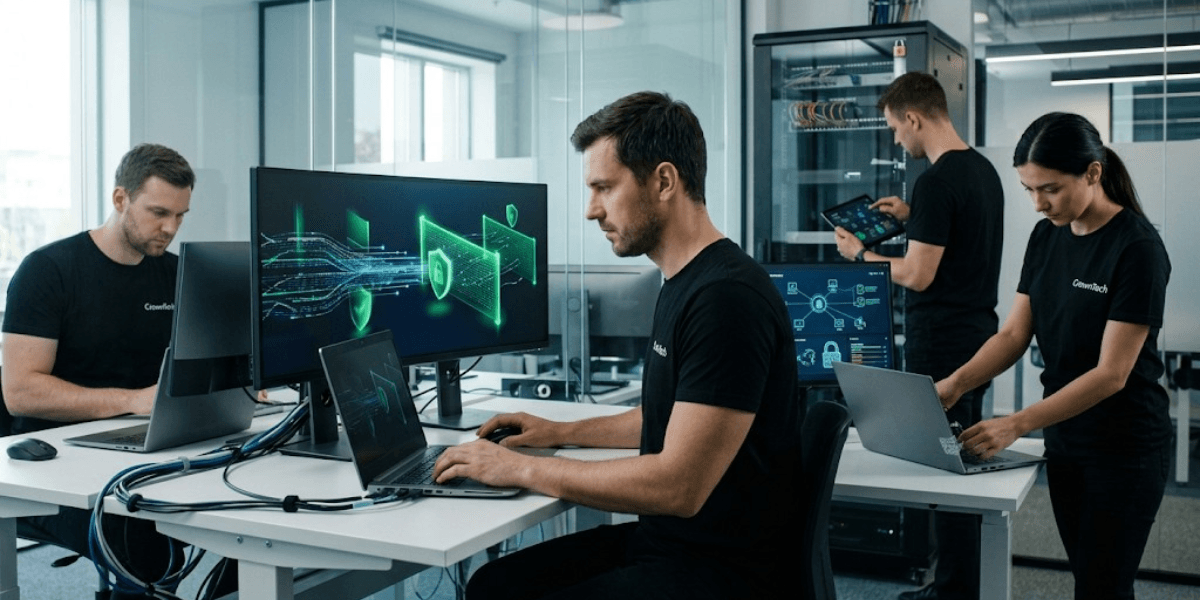
Desktop computers are frequently the object of cyberattacks, and each unpatched workstation, unencrypted drive, and inadequate authentication procedure can result in ransomware, data breaches, and unauthorized access. In order to guard these important entry points, it is necessary to have a solid IT framework, one that includes automated patching, Multi-Factor Authentication (MFA), and the latest practices in endpoint security management.
1. Eliminating Patch Vulnerabilities with Automated Updating
The "Remind Me Later" habit is one of the most hazardous actions in enterprise IT, since users indefinitely postpone applying updates and, as a result, fail to deal with known vulnerabilities for weeks or months. Although centralized patch management takes over individual behaviour, patches are still tested, scheduled, and deployed across the whole fleet according to a controlled timetable.
Before you install updates across your entire network, take a moment to test them in a sandbox. This gives you the opportunity to catch any software conflicts right away and fix any problems before they can affect your systems. As a result, you can keep your network stable and still enjoy the benefits of being up to date.
2. Implementing EDR/MDR & Zero-Trust Policies
Traditional antivirus software simply can't keep up with the sophisticated threats that businesses face today. This is where Endpoint Detection and Response (EDR) and Managed Detection and Response (MDR) step in. They take a closer look at behavioural patterns, identify anomalies in real time, and automatically neutralize threats before they escalate, effectively thwarting attacks that signature-based tools would overlook.
A well-rounded endpoint security management strategy brings these technologies together with Zero Trust network policies, so no device or user is automatically trusted, no matter where they are connecting from. These protections are strengthened with MFA, BitLocker encryption, and access controls that help prevent unauthorized access.
3. Securing Hybrid, Remote, and BYOD Workstations
Employees who work from home, in coffee shops, or at clients' sites face unique security challenges. Management solutions based on the cloud, such as Microsoft Intune, allow security policies to be enforced on devices that are not on the network, thus making sure that a laptop in the hotel lobby complies with the same security requirements as one in the office.
Remote-wipe features for lost or stolen company laptops help keep sensitive data safe even if you lose control of the device. This is an important safeguard in any mobile-first or BYOD setting.
Strategic Pillar 3: Boosting Employee Productivity & Experience
Creating well-organized endpoint environments helps to remove the friction caused by technology. When employees have access to quick, dependable, consistent tools, they can focus on work that drives revenue instead of getting stuck dealing with IT roadblocks.
1. Rapid Onboarding with Standardized System Imaging
Every day a new employee spends waiting for a working workstation is a day of lost productivity and a less-than-stellar first impression of how well the organization operates. By using standardized system imaging, we can automate the setup of workstations, ensuring that new hires receive pre-configured, secure devices right from day one. IT teams can deploy from a master image instead of setting up each machine individually, making the process much more efficient as the organization expands.
2. Virtual Desktops for Flexible Remote Work
Employees are able to enjoy the same secure and familiar desktop experience on any device, regardless of their location, thanks to Virtual Desktop Infrastructure (VDI) and hosted terminal servers. This is especially beneficial for companies which have remote or hybrid teams dispersed over several locations.
Cloud-hosted virtual desktop solutions cut down on upfront hardware costs while keeping security enforcement centralized and backups running automatically in the background, making them a smart, budget-friendly option for growing businesses that operate across more than one location.
3. Clean Digital & Physical Workspaces
Bloatware can definitely hinder productivity! The trial software that comes pre-installed in your computer, background applications, and all the digital gunk can slowly clog your system. Automated auditing tools can help you spot and remove those pesky applications, ensuring your workstations are performing at their best and running smoothly.
Using optimized software settings together with proper physical cable management and ergonomic workstations results in an environment in which technology supports rather than obstructs the employee experience, which is the key feature of a well-implemented enterprise desktop management strategy.
Why Choose CrownTECH
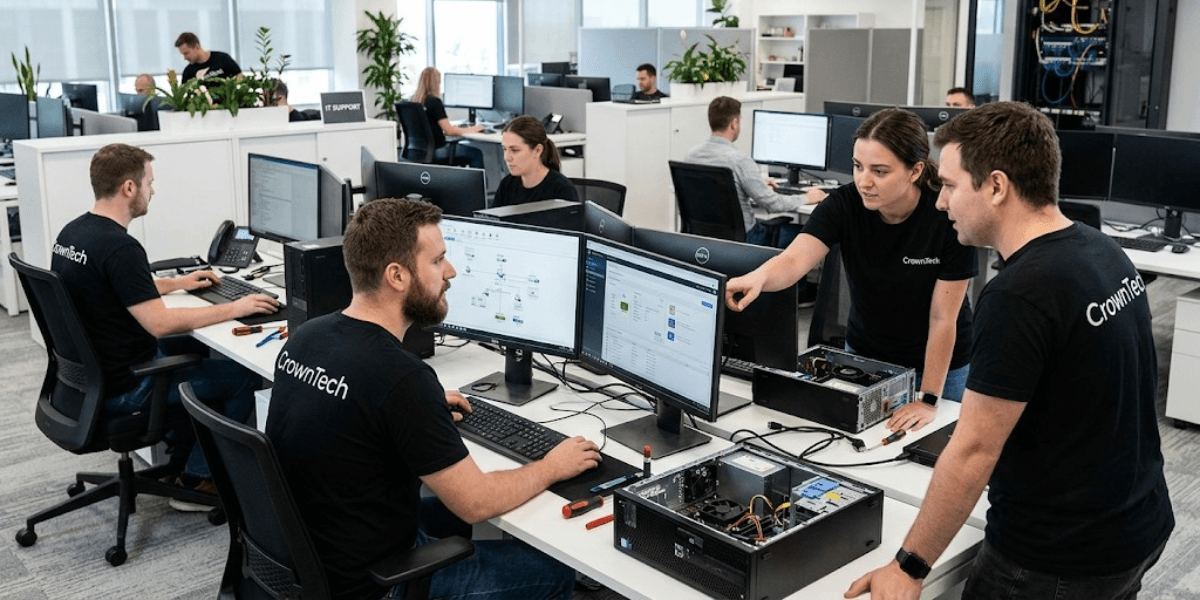
CrownTECH is a trusted provider of managed IT services that Toronto businesses depend on, delivering end-to-end endpoint support built on a proactive, security-first philosophy. From real-time RMM and automated patch management to cloud-hosted virtual desktops and structured cabling installations, every solution is designed to reduce operational risk, lower IT overhead, and empower Canadian organizations to operate with confidence.
Our team brings deep expertise in enterprise desktop management, hardware lifecycle management, endpoint security management frameworks, compliance requirements (including PIPEDA), and cloud infrastructure, giving clients a single trusted partner for the full spectrum of desktop and infrastructure needs.
Conclusion
In today’s world, effective IT management isn’t just a nice-to-have for organizations that want to stay resilient; it’s absolutely essential. When you have unpatched endpoints, a reactive approach to IT support, and inconsistent security policies, you’re piling up risks that only get more costly to fix as time goes on.
When businesses shift from a reactive IT mindset to a structured, automated management framework, they do more than fix problems faster; they protect critical data assets, reduce unexpected downtime, and give their people the dependable tools they need to perform at their best, consistently.
Book a free consultation with our expert team today to optimize your desktop management.
Optimize Your Desktop Management Today
Book a free consultation with our expert team today to reduce IT downtime, boost security, and maximize employee productivity.
Book Free Consultation →